One workspace across your machines.
Manage agents on your Mac and paired Linux hosts together. Attach to their live sessions from mobile, web, or desktop while the processes and repositories stay on the host.
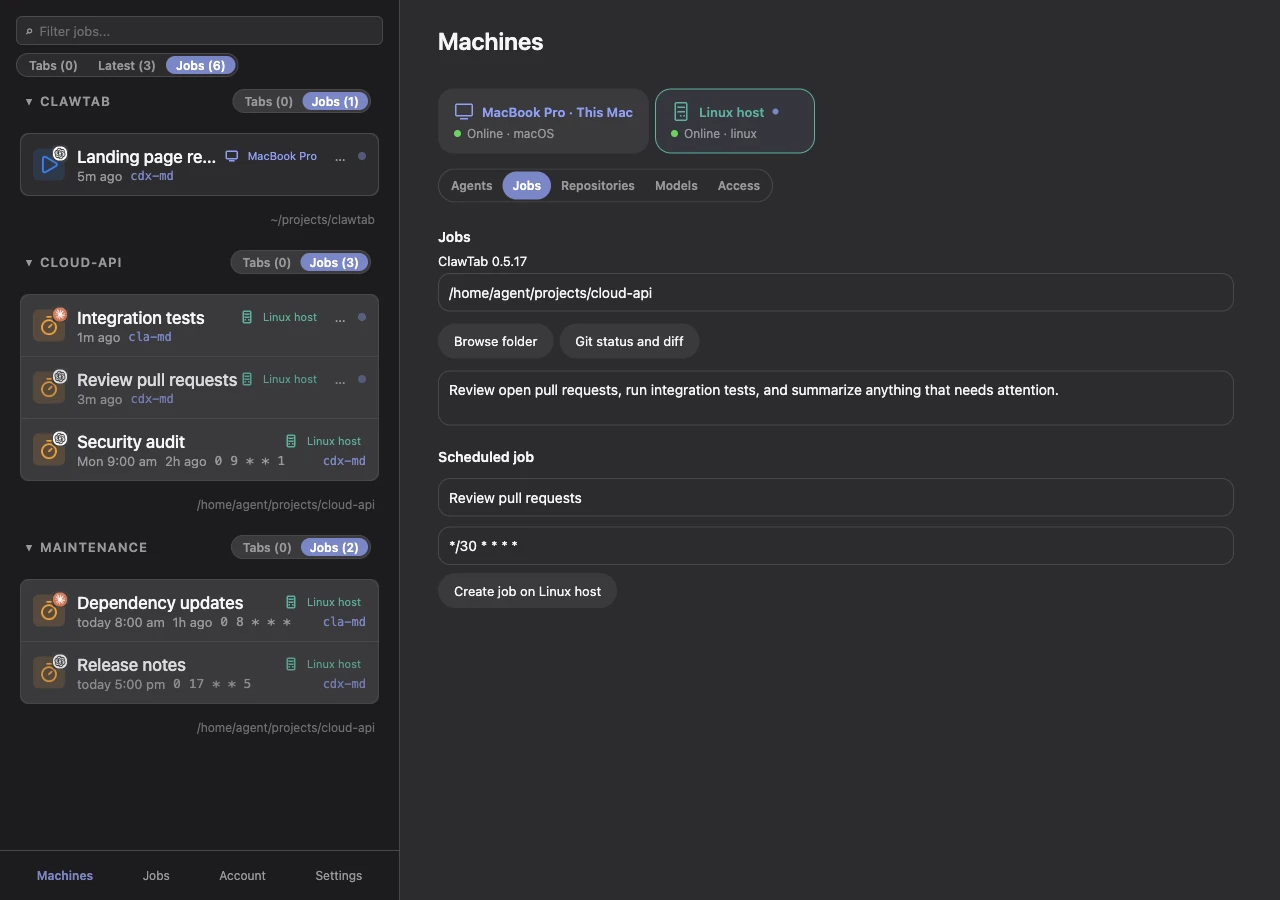
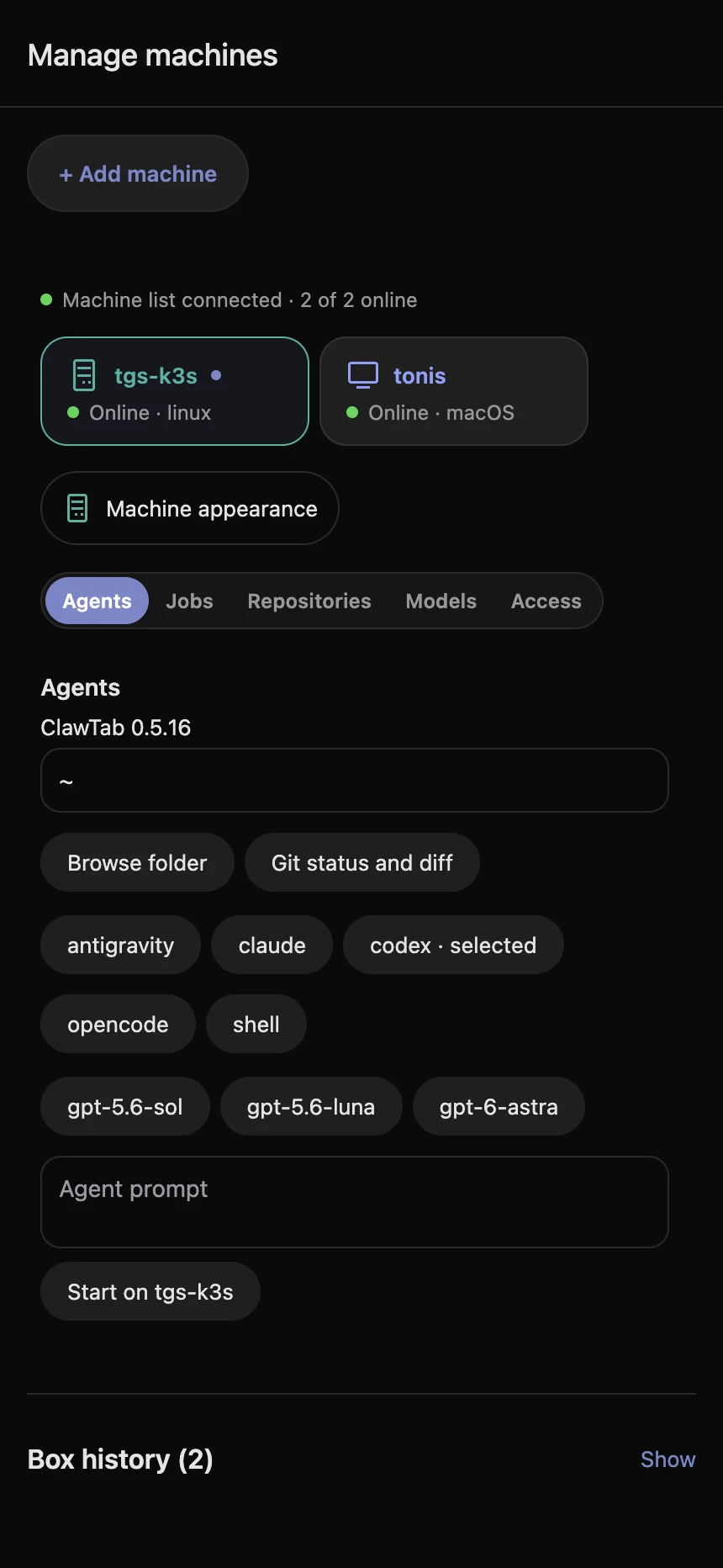
Attach from any client
Open the same terminal from the iOS app, web Remote, or macOS desktop app. Follow output, answer questions, and take control of a remote terminal.
Choose where work runs
Select a machine before launching an agent or shell. Each host runs its own daemon and uses the provider tools and credentials installed there.
Keep sessions together
Browse accessible agents and jobs across machines, filter by host, and see which computer owns a session. An offline host is shown explicitly.
Pair a host, then open its agents.
- Install the Linux package and your agent CLIs on the host.
- Run setup and approve its temporary pairing code in Machines → Add machine on desktop or mobile.
- Select the host and open an existing agent, or start a new agent in one of its repositories.
The host makes an outbound connection to the shared relay. You do not need an inbound ClawTab port, a separate relay, or a database on each computer.
Read the host setup guideAfter installing on Linux
cwtctl setup --name build-host --linger
cwtctl daemon status
The setup code is valid for ten minutes. The systemd user service keeps the daemon available; --linger allows it to run after logout.
The session stays where it started.
Switching clients changes your view of the terminal. It does not move the agent process or its files. Desktop Transfers can explicitly copy repository state into a new worktree on another machine; they do not move running conversations or continuously sync files.
Connections use TLS through the shared relay. The relay can read terminal content and transfer payloads. Provider credentials stay on the host unless you explicitly include credential files in a transfer.
Pricing
ClawTab is free and open source. Our hosted Remote service is optional.
ClawTab
Use ClawTab on your own machines. The apps and local tools are free, and you can run your own relay.
- Desktop app, CLI, TUI
- Cron scheduling
- Secrets management
- Mobile app (App Store)
- Push notifications
- Self-hosted relay server
- MIT licensed

Hosted Remote
We host the relay for you. Reach your agents from mobile, web, or desktop without maintaining a server.
- Connect your Mac and Linux hosts
- Hosted relay server
- No server to maintain