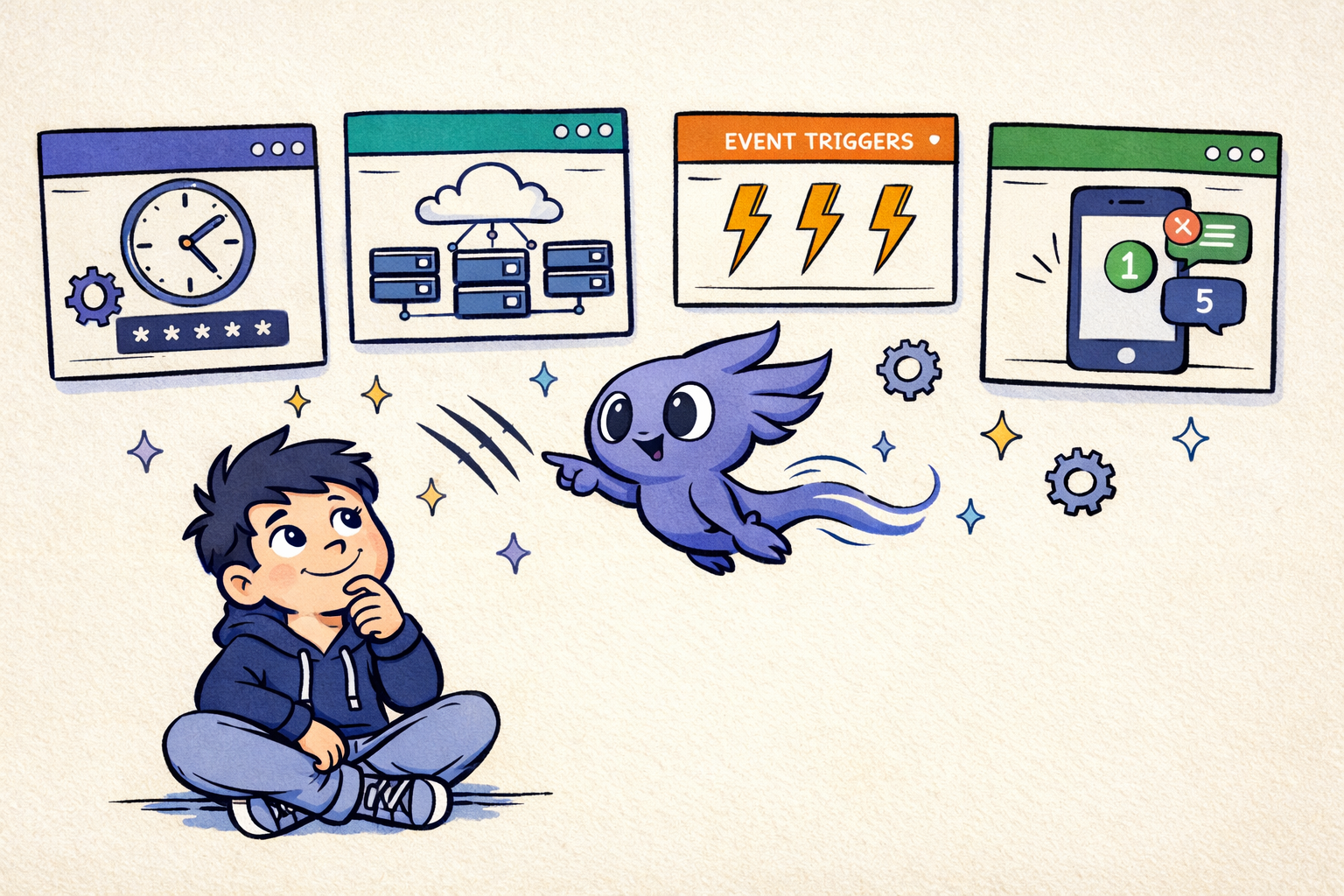
Introduction
AI coding tools now cover several operating models: editor-first agents such as Cursor, Windsurf, and GitHub Copilot; terminal agents such as Claude Code, Codex CLI, and OpenCode; cloud delegation for work that can run away from your laptop; and agent managers that keep several local sessions visible. These are related products, but they are not interchangeable.
This comparison focuses on the workflow behind the product name: where code executes, how multiple agents are isolated, what happens when a run needs approval, how you review changes, and whether you can schedule or monitor work away from your desk. This September 25 update covers Cursor's Agents Window and parallel builds, Claude Code Agent View and multi-session Remote Control, Codex local worktrees and scheduled tasks, OpenCode provider flexibility, and where ClawTab fits as a provider-agnostic management layer. If the manager layer is your main decision, see the dedicated AI coding agent dashboard comparison.
The goal is not to crown one model from a benchmark. A useful choice is the tool that gives your team the right execution boundary and the least surprising handoff. For broader industry context, see Anthropic's 2026 Agentic Coding Trends report, then use the workflow criteria below to evaluate the tools you can actually run.
Quick Recommendation
The best AI coding agent IDE depends on whether you want an editor, a terminal agent, a cloud worker, or an orchestration layer. Use Cursor for interactive IDE coding and Composer multiple coding agents, Claude Code for terminal-native local work and Remote Control, Codex for a choice of CLI, IDE, and cloud workflows, OpenCode for provider flexibility, and ClawTab when you need a tmux manager for several CLI agents at once or control them from your phone.
| Workflow | Best fit | Reason |
|---|---|---|
| Interactive IDE coding | Cursor | Editor-first context, diff review, and Composer-style parallel coding agents. |
| Terminal-native local work | Claude Code | CLI sessions, hooks, worktrees, remote machines, containers, and local filesystem access. |
| Local or delegated OpenAI workflow | Codex | CLI, IDE extension, desktop worktrees and schedules, plus cloud environments. |
| Provider flexibility | OpenCode | Open-source terminal, desktop, and IDE surfaces with configurable model providers. |
| Multi-agent orchestration | ClawTab | Runs Claude Code, Codex, OpenCode, and shell panes side by side with cron and mobile control. |
| Phone-based control of local panes | ClawTab | Native iOS and web remote for live logs, permission prompts, auto-yes, and scheduled jobs. |
| Claude sessions from another device | Claude Remote Control | Steer local Claude Code from claude.ai/code or mobile; server mode can spawn several sessions. |
IDE, CLI, Cloud, or Manager?
Before comparing brands, identify the layer you want to buy:
| Operating model | What you get | Tradeoff | Good fit |
|---|---|---|---|
| IDE agent | Editor context, inline changes, and visual diff review | Parallel work and unattended sessions depend on the IDE's own workflow | Interactive work while you are at the keyboard |
| Terminal agent | Independent processes that work over SSH, in containers, or inside tmux | You need to design isolation, approvals, and monitoring | Local automation and repository-level tasks |
| Cloud delegation | A managed environment that continues after you close the laptop | Less immediate access to local tools, state, and secrets | Long-running tasks that can return a reviewable change |
| Agent manager | A control plane for panes, schedules, state, notifications, and several providers | It complements an agent; it is not the model or the editor | Many local sessions that need supervision |
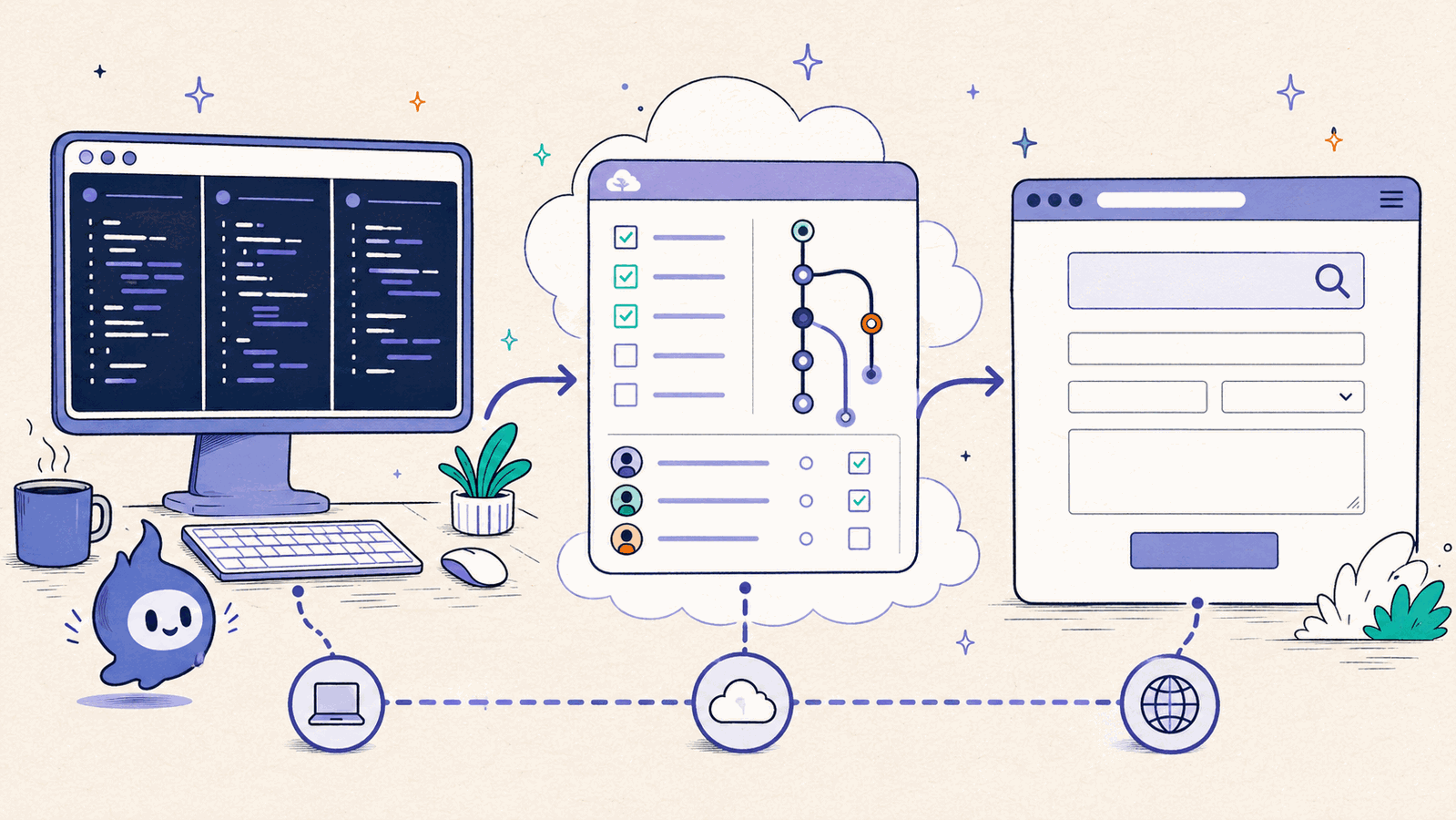
ClawTab sits above the terminal-agent layer. It manages Claude Code, Codex, OpenCode, and shell sessions across tmux panes, adds scheduling and mobile access, and leaves the underlying processes and Git worktrees intact. That makes it complementary to Cursor or an IDE extension rather than a replacement for the editor.
How to Compare an Agent Workflow
Model quality still matters, but the operational details decide whether a multi-agent setup is pleasant or fragile. Compare every tool on the same dimensions:
| Dimension | Question to ask | Why it matters |
|---|---|---|
| Execution location | Does the agent edit my local checkout, a remote machine, or a provider-managed environment? | Determines access to local tools, secrets, services, and persistent state. |
| Parallelism and isolation | Are parallel tasks separate sessions, branches, worktrees, or cloud sandboxes? | Prevents agents from validating against each other's half-finished files. |
| Supervision | Can I see whether a run is working, waiting, finished, or blocked? | Running a process is not the same as knowing an agent can make progress. |
| Handoffs | Can I inspect a diff, commit, pull request, or exportable result? | A stable artifact makes review and recovery possible. |
| Automation | Can work start on a schedule and notify me when it needs input? | Separates interactive assistants from unattended workflows. |
| Provider choice | Can I change models or run different providers without rebuilding the workflow? | Reduces lock-in and lets each task use an appropriate model. |
These criteria explain why a terminal agent plus a manager can be a better fit than a more polished IDE for some teams, while an editor-first agent remains the fastest option for focused interactive edits.
Cursor Agents Window, Composer, and Auto Mode
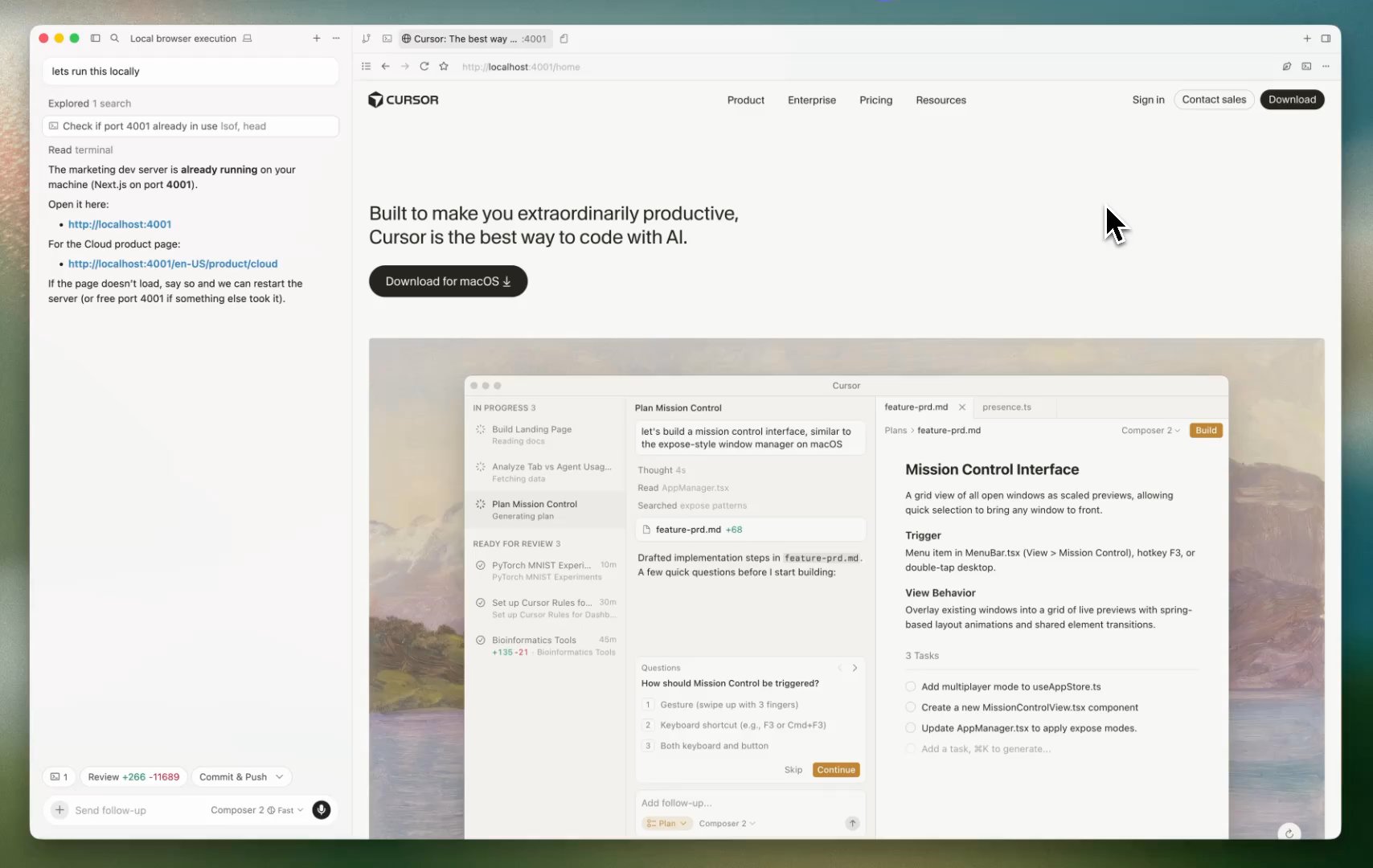
Cursor is an editor-first agent environment built around a VS Code-style workspace. Its strongest advantage is the short loop between agent output, open files, and a visual diff. Cursor now documents the Agents Window as the place to run and manage multiple agents across repositories and environments. The /multitask command and Build in Parallel action can split independent work into parallel agents, while Composer remains a common search term for this workflow.
As of July 22, Cursor's Auto mode is powered by Cursor Router. The router selects a model per request and exposes Intelligence, Balance, and Cost optimization modes. Cursor says the same router is available across desktop, web, iOS, CLI, and its SDK. Auto is therefore a routing policy, not a permanent model identity. If reproducibility matters, choose a named model and record it with the task.
Where it excels: Interactive work where you are reviewing edits, navigating a codebase, and correcting an agent in the same window. It is especially comfortable for focused feature work and rapid UI iteration.
Where it falls short: An editor-first workflow is not automatically a control plane for long-lived local processes. If you need cron-style scheduling, several providers in one workspace, or a phone view of independent tmux panes, add a manager or choose a terminal-native workflow. Check Cursor's current documentation and plan limits before treating a parallel-agent count or pricing detail as permanent.
| Feature | Cursor |
|---|---|
| Primary surface | Editor with agent and Composer workflows |
| Parallel work | Agents Window, /multitask, and Build in Parallel; verify current plan limits |
| Local cron jobs | Not the core workflow |
| Remote control | Desktop, web, and iOS surfaces; not a provider-agnostic local tmux remote |
| Provider choice | Multiple models within Cursor's supported catalog |
| Best fit | Interactive IDE coding and diff review |
Windsurf
Windsurf is an IDE-centered agent workflow built around Cascade. It is a good fit when you want an agent to carry a task across multiple files, terminal commands, and previews while you stay close to the editor.
Where it excels: A guided, end-to-end IDE sequence where the agent can make a series of changes and you can inspect the result in the same project context.
Where it falls short: If your requirement is a local, provider-agnostic fleet of agents that keeps running after you close the editor, an IDE alone is not enough. Use separate worktrees and a terminal manager for that operating model. Features, model availability, and plan limits change quickly, so verify them in the current Windsurf documentation before comparing prices or quotas.
| Feature | Windsurf |
|---|---|
| Primary surface | Editor with Cascade agent workflows |
| Long task support | Multi-file edits, commands, and project context |
| Local cron jobs | Not the core workflow |
| Remote control | Editor-centered; no shared multi-provider tmux view |
| Provider choice | Windsurf's supported model catalog |
| Best fit | Long guided tasks inside an IDE |
VS Code + GitHub Copilot
GitHub Copilot is the natural editor extension for teams that already live in GitHub and VS Code. Its agent workflow brings repository context, change review, and GitHub's collaboration surface into the editor rather than asking the team to adopt a separate terminal control plane.
MCP and a changing model catalog add extensibility, but the exact models, agent features, and organization controls depend on the editor, plan, and policy. Treat the current GitHub Copilot documentation as the source of truth.
Where it excels: Teams that want an editor-native agent tied to repositories, pull requests, and existing GitHub permissions.
Where it falls short: A GitHub-centered editor workflow is different from scheduling local CLI jobs, monitoring many provider sessions, or keeping a persistent tmux workspace on a Mac.
| Feature | VS Code + GitHub Copilot |
|---|---|
| Primary surface | Editor extension and GitHub workflow |
| Parallel work | Agent features depend on the current editor and plan |
| Local cron jobs | Not the core workflow |
| Remote control | GitHub collaboration and notifications |
| Provider choice | Model catalog controlled by GitHub and organization policy |
| Best fit | GitHub-standardized teams working in an editor |
Claude Code
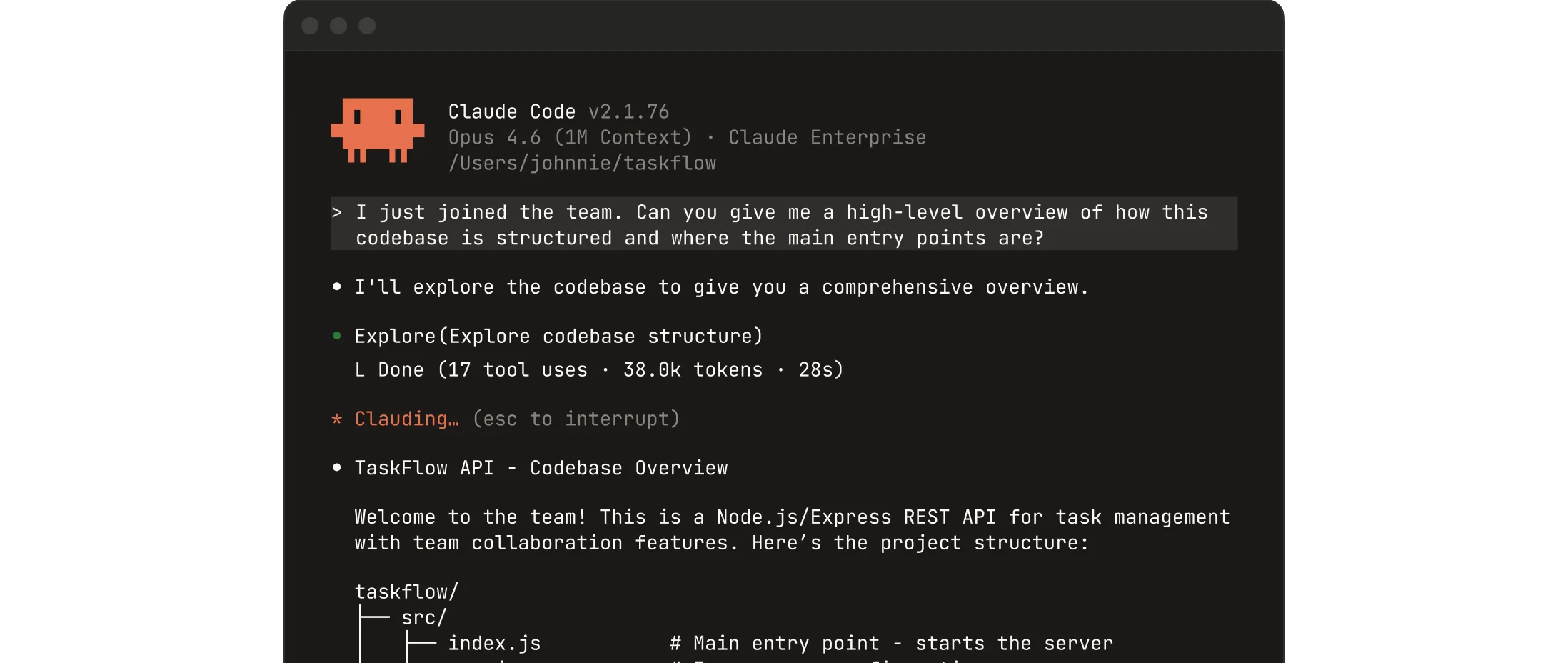
Claude Code is Anthropic's terminal-native agent. It runs in a shell with direct filesystem and command-line access, so it works naturally over SSH, in containers, and inside tmux. It complements an editor instead of requiring you to move the entire coding loop into one IDE.
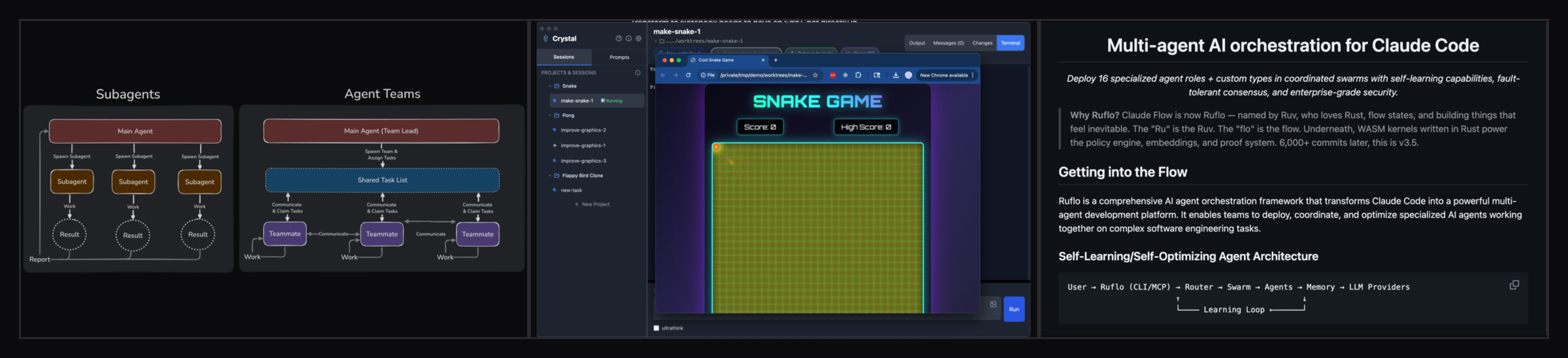
Claude Code has several parallel-work patterns: subagents for focused side tasks, worktree-based sessions, and Agent Teams for independent sessions that share tasks and messages. Agent Teams are experimental and disabled by default, and the documentation warns that coordination adds token and operational overhead. For two providers, the simpler Claude Code plus Codex tmux workflow keeps the handoff visible in Git.
Remote Control connects local Claude Code to claude.ai/code or the Claude mobile app. The session and filesystem remain on your machine, which is different from Claude Code on the web. Remote Control now has a server mode that can spawn several sessions from one process, with a configurable capacity and either a shared directory or a separate Git worktree per session. Use worktree mode when remote sessions may edit the same repository.
Where it excels: Developers who live in the terminal and want local execution, remote machines, containers, hooks, and a workflow that is not tied to one editor.
Where it falls short: Claude Code is an Anthropic-centered agent, and a large fleet of sessions still needs an operating layer for naming, status, scheduling, notifications, and provider comparison. You can build that layer with shell scripts and tmux, or use a manager such as ClawTab.
| Feature | Claude Code |
|---|---|
| Primary surface | CLI, with editor and web/mobile companions |
| Parallel work | Subagents, worktrees, and experimental Agent Teams |
| Local cron jobs | Use CLI automation, hooks, or an external scheduler |
| Remote control | Browser/mobile Remote Control, including multi-session server mode |
| Provider choice | Anthropic models and Claude Code ecosystem |
| Best fit | Terminal-native local work and custom automation |
Codex CLI
OpenAI's Codex CLI keeps the coding loop in a terminal: inspect a repository, edit files, run commands, review a local diff, and continue the same session. That makes it a direct fit for tmux and Git worktrees when you want Codex beside Claude Code on your own machine.
Codex is a product family rather than one execution mode. The IDE extension keeps Codex beside open files and selections, while Codex cloud runs tasks in isolated environments and lets you bring the result back to a local repository. In the ChatGPT desktop app, Codex-managed worktrees isolate parallel local chats, and Handoff moves a chat between a background worktree and the local checkout.
Codex also has scheduled tasks. Desktop tasks can run against a local project or a fresh worktree, but the Mac must remain on and the app must remain running. Web schedules can use uploaded context and connected tools, but cannot work directly in a folder on your computer. The CLI and IDE extension can prepare a task, but do not provide the schedule-management UI.
Where it excels: Developers who want one OpenAI workflow spanning terminal, editor, local review, and delegated cloud work. The local CLI is a strong second pane for an implementer-reviewer workflow.
Where it falls short: Cloud and local sessions have different filesystem and supervision boundaries. If a task depends on local services, uncommitted files, or a specific tmux pane, use the CLI rather than assuming a cloud task sees the same checkout. If you need several providers in one local dashboard, pair the CLI with a manager or choose OpenCode.
| Feature | Codex |
|---|---|
| Primary surfaces | CLI, IDE extension, desktop, and cloud |
| Parallel work | Subagents, separate local sessions, and cloud tasks |
| Local scheduling | Desktop scheduled tasks in the project or an isolated worktree |
| Remote control | Cloud delegation and review; local CLI remains a terminal session |
| Provider choice | OpenAI models |
| Best fit | OpenAI-centered local or delegated coding workflows |
OpenCode
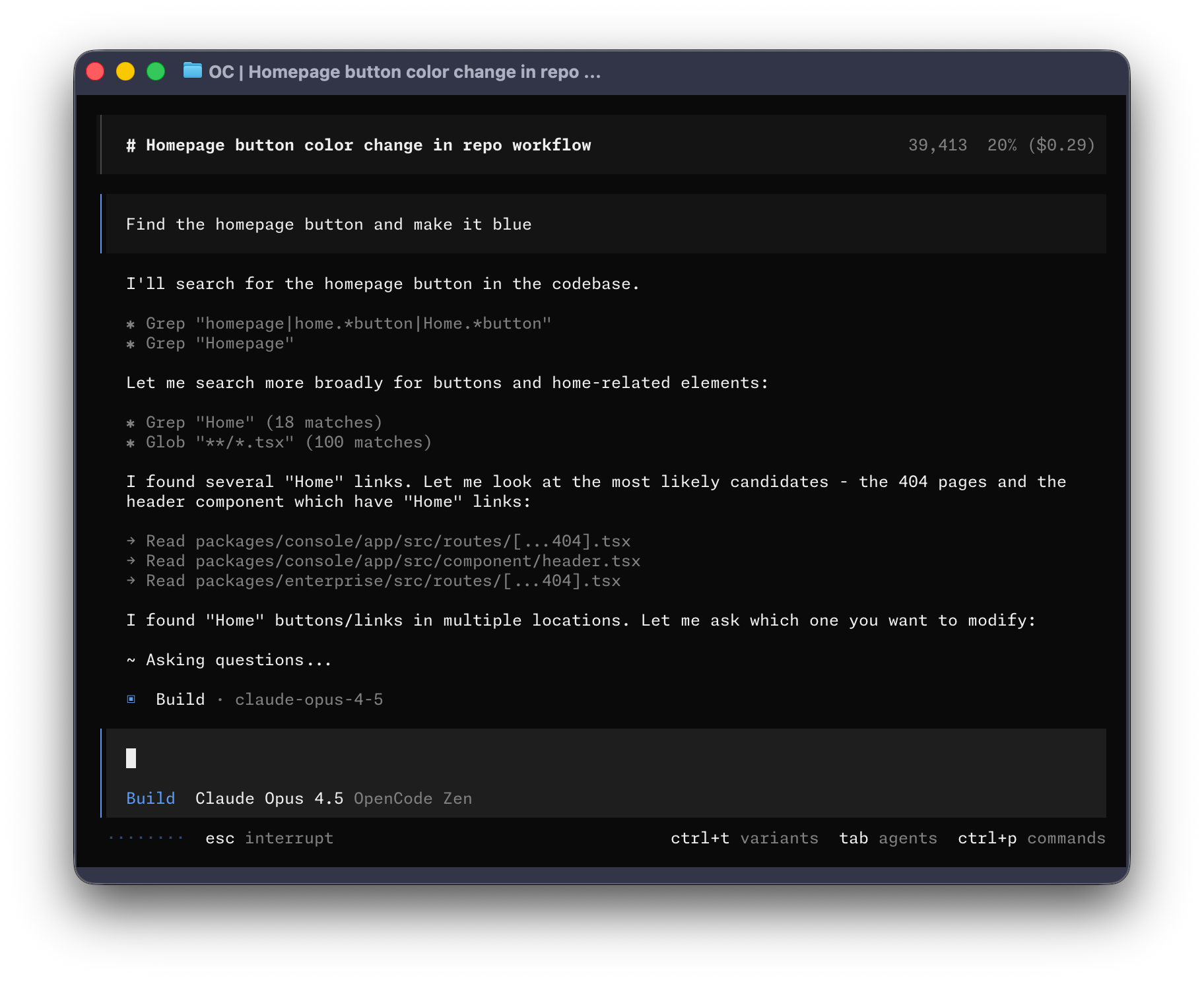
OpenCode is an open-source AI coding agent available as a terminal interface, desktop app, and IDE extension. Its defining choice is provider configuration: you bring the model access that fits the task instead of accepting a single vendor as the whole workflow.
That flexibility is useful for local models, cost experiments, and teams that want to compare providers in the same general interface. OpenCode also exposes session and server commands, which makes it a reasonable building block for terminal automation. You still need to define worktree ownership, approval policy, and monitoring when several sessions write to one repository.
Where it excels: Provider choice, open-source control, and a terminal-native workflow that can be placed beside other agents in tmux.
Where it falls short: You trade some commercial polish and centralized support for configuration responsibility. Built-in mobile supervision and cron-style scheduling are not the same as having a dedicated manager, so pair it with tmux tooling when the number of sessions grows.
| Feature | OpenCode |
|---|---|
| Primary surfaces | Terminal, desktop, and IDE extension |
| Parallel work | Multiple sessions; isolate writers with worktrees |
| Local cron jobs | External scheduler or tmux automation |
| Remote control | Terminal/server workflows; no dedicated mobile control plane |
| Provider choice | Any configured LLM provider |
| Best fit | Open-source, provider-flexible terminal work |
Full Comparison Table
Here's how the major tools stack up across the dimensions that matter most for a multi-agent workflow. “Parallel” means the product can support more than one task; it does not mean every task shares the same files safely.
| Tool | Primary surface | Work location | Parallel work | Local scheduling | Remote control | Provider scope |
|---|---|---|---|---|---|---|
| Cursor | Editor + Agents Window | Local and cloud environments | Parallel builds and async subagents | Not core | Web, mobile, Slack, GitHub, and Linear | Multiple supported models |
| Windsurf | Editor + Cascade | Local editor and provider services | Parallel task workflows | Not core | Editor-centered | Windsurf catalog |
| VS Code Copilot | Editor extension | Local editor and GitHub services | Agent features vary by plan | Not core | GitHub collaboration | Org-controlled catalog |
| Claude Code | CLI + companions | Local machine or Anthropic cloud | Subagents, worktrees, Agent Teams | External automation | Remote Control for local sessions | Anthropic |
| Codex | CLI + IDE + desktop + cloud | Local machine or OpenAI cloud | Subagents, worktrees, cloud tasks | Desktop schedules | Cloud delegation and review | OpenAI |
| OpenCode | Terminal + desktop + IDE | Local process with configured provider | Multiple sessions | External automation | SSH/server tooling | Any configured provider |
| ClawTab | tmux manager | Local Mac | Independent panes and jobs | Cron | iOS + web remote | Claude Code, Codex, OpenCode, shell |
The pattern is clear: editor agents optimize for interactive context, terminal agents optimize for local execution, cloud surfaces optimize for delegation, and managers optimize for supervision across sessions. ClawTab fills the last gap without replacing the underlying agents or IDE.
Composer, Codex IDE Extension, or tmux Orchestrator?
Composer, the Codex IDE extension, and a tmux orchestrator can all put more than one agent near your code, but they place control in different layers. Choose based on where you want the source of truth to live:
- Cursor Composer is best when the editor is the control surface: you want parallel coding tasks, generated changes, and fast visual diff review in one IDE.
- Claude Code's Agent View or Agent Teams is best when the work is already centered on Claude Code and you want to coordinate Claude sessions inside that ecosystem. Agent Teams remain experimental, so define ownership and recovery rules yourself.
- The Codex IDE extension is best when you want OpenAI's agent beside open files and selections, with the option to delegate a longer task to Codex cloud.
- A tmux orchestrator such as ClawTab is best when agents are independent terminal processes: Claude Code, Codex CLI, OpenCode, shells, and scheduled jobs that should keep running outside a single IDE window.
The practical split is simple: use the IDE when you are actively reviewing changes, use the provider surface when you mainly need one agent family, use cloud delegation when the laptop should not be in the loop, and use a local tmux control center when persistence, local secrets, multiple providers, and mobile approvals matter more than an editor-native UI.
| If you care most about... | Start with... |
|---|---|
| In-editor context and visual diffs | Cursor or the Codex IDE extension |
| One provider's built-in parallel workflow | Claude Code Agent View or Agent Teams |
| Independent local panes and mixed providers | tmux plus Git worktrees, optionally managed by ClawTab |
| Work continuing in a managed environment | Codex cloud or the provider's cloud agent surface |
Remote Control and Mobile Monitoring
Remote control is a separate decision from model quality. If an agent runs for twenty minutes and asks for permission while you are away from the keyboard, the best model does not help unless the tool can reach you. Also distinguish delegated cloud work from remote control of a local session: the first moves execution to a managed environment, while the second gives you a window into a process still using your machine.
| Tool | Remote control | Best mobile workflow |
|---|---|---|
| Cursor | Editor and provider integrations | Use the collaboration or notification path provided by the current background workflow. |
| Claude Code | Remote Control for local sessions | Continue an interactive session, or use server mode to spawn several sessions with optional worktree isolation. |
| Codex | ChatGPT mobile Remote tab for supported desktop Codex chats | Review output, diffs, tests, screenshots, and approvals while execution stays on the connected machine. |
| OpenCode | Terminal/server tooling | Pair with tmux, SSH, or an external controller. |
| ClawTab | iOS app plus web remote | Monitor multiple Claude Code, Codex, OpenCode, and shell panes, answer prompts, toggle auto-yes, and manage scheduled jobs. |
If you are looking specifically for Claude Code on your phone, use Claude's built-in Remote Control when every session is Claude Code and Anthropic's mobile/web surface fits the workflow. For Codex, the Codex remote control guide explains the difference between OpenAI's mobile Remote tab and controlling an arbitrary Codex CLI pane. Use ClawTab when the requirement is broader: Claude Code, Codex, OpenCode, and shell panes in one persistent tmux workspace, with cron jobs and one mobile view.
Where ClawTab Fits
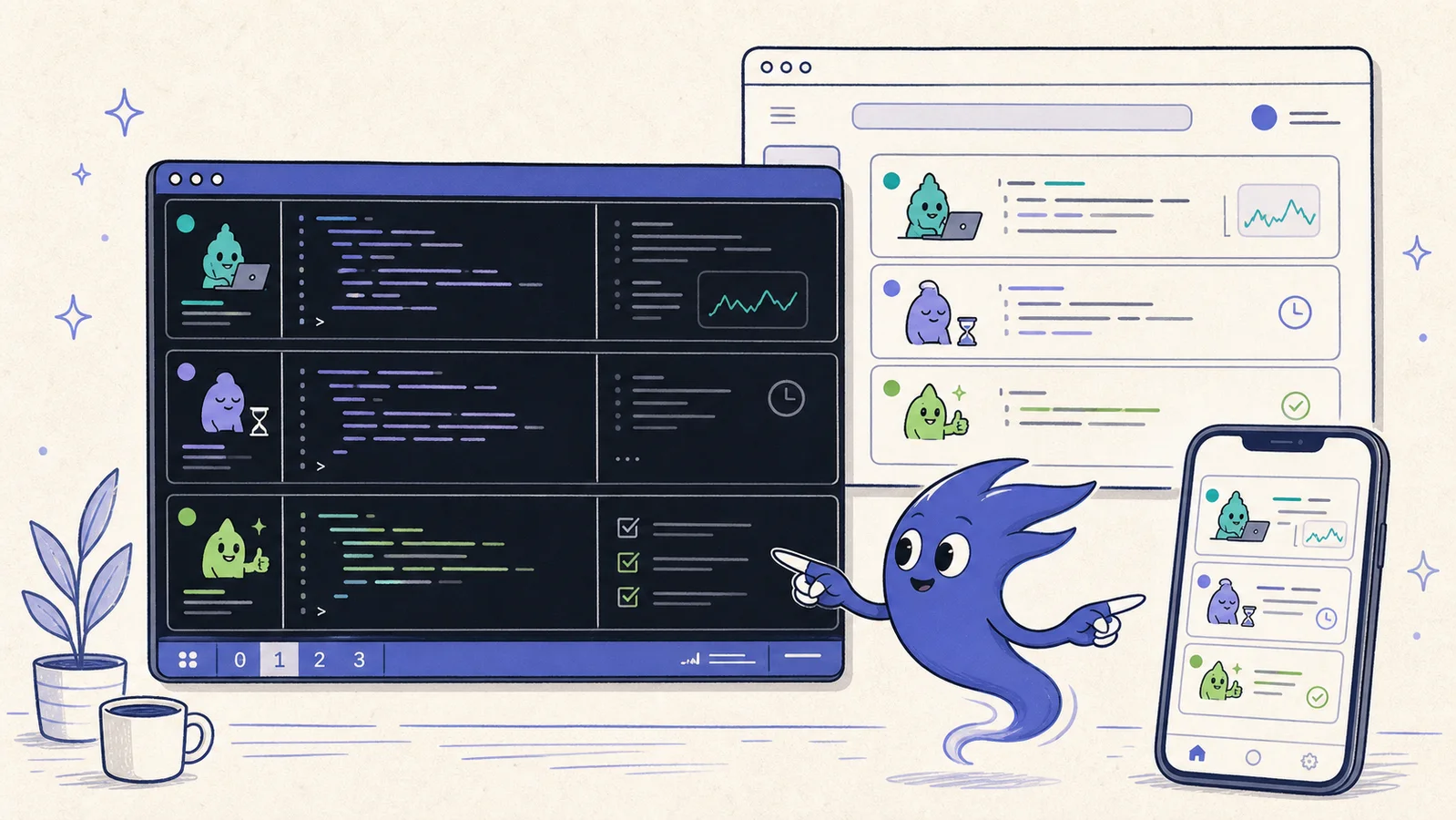
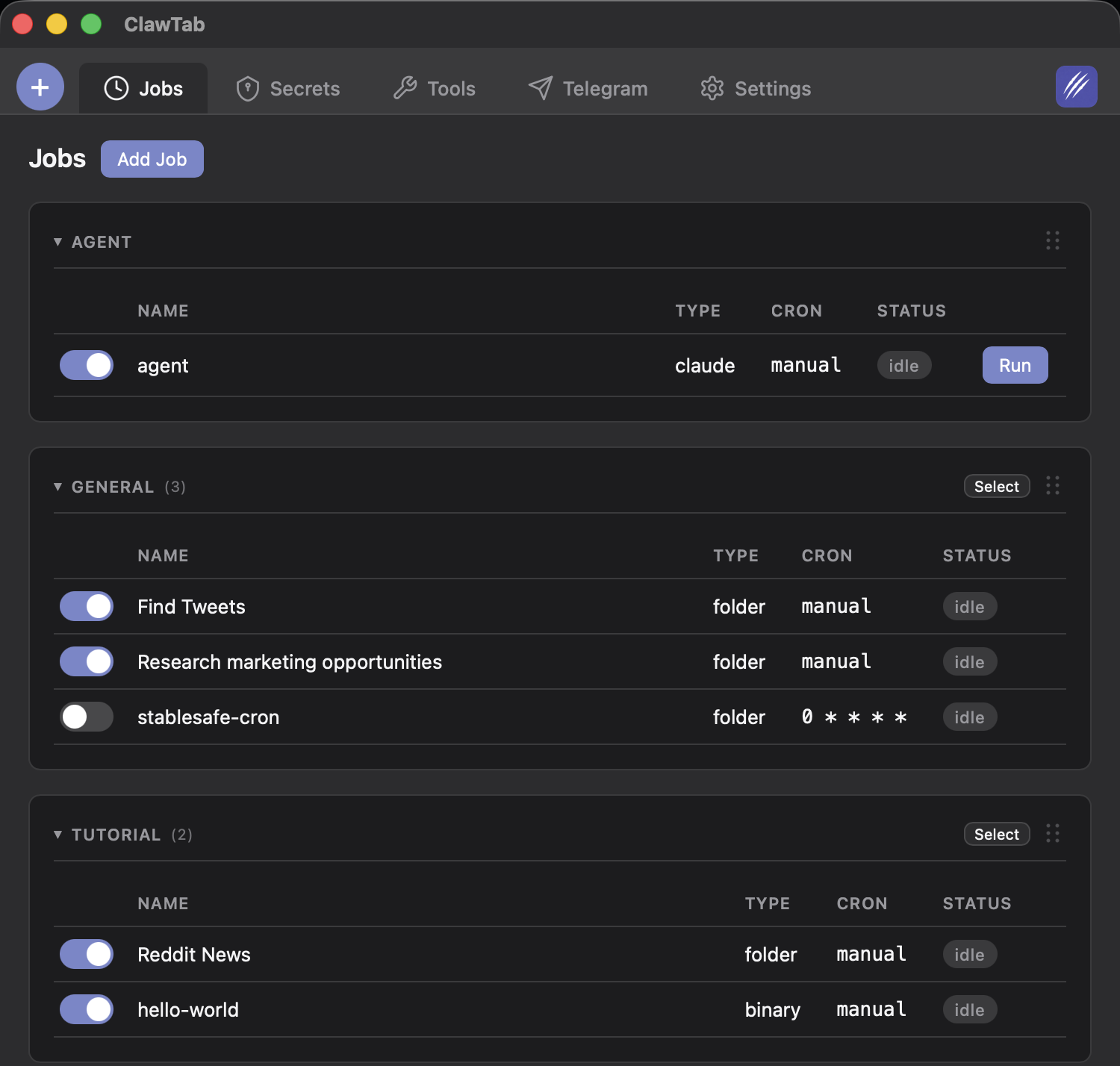
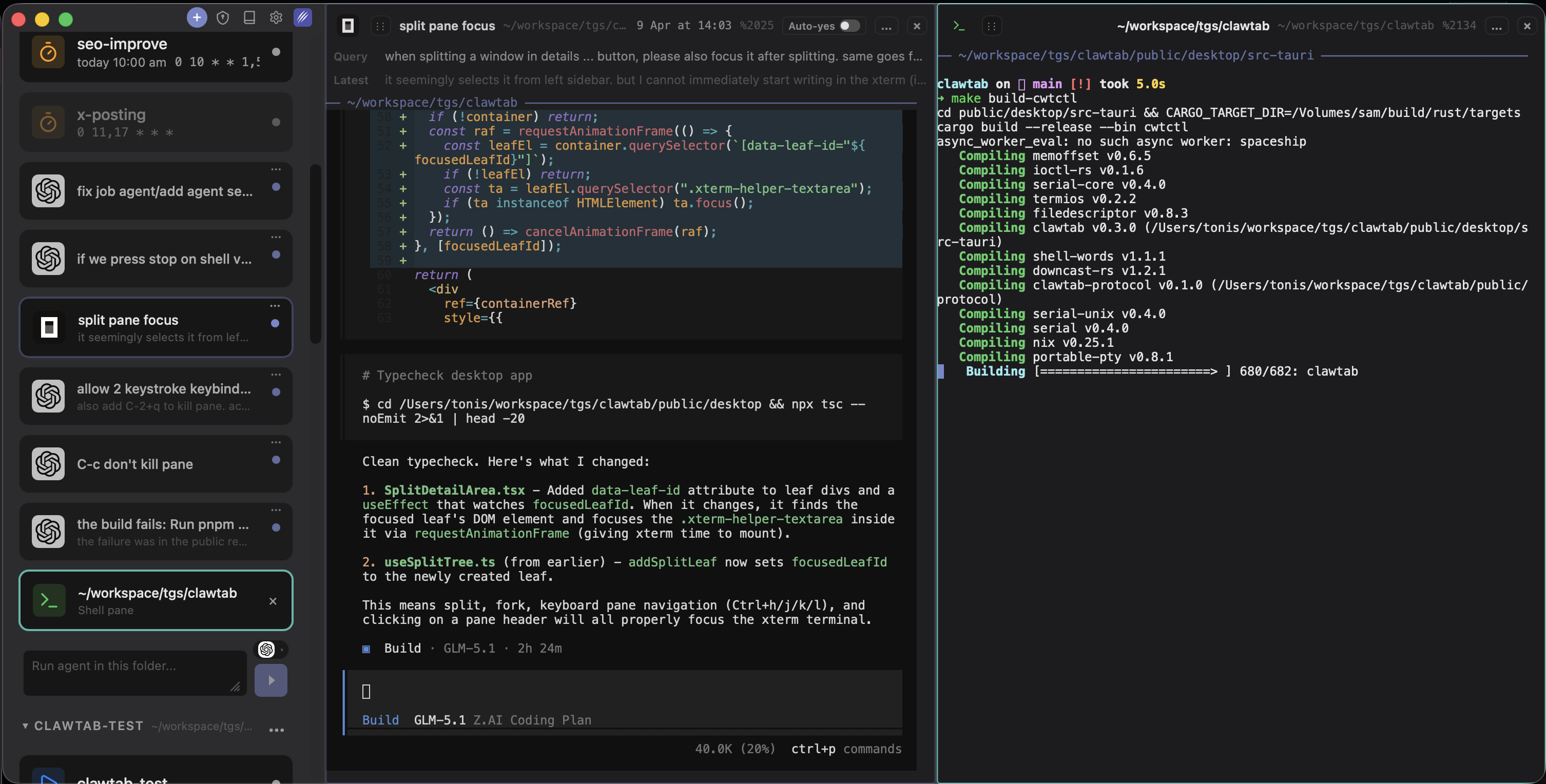
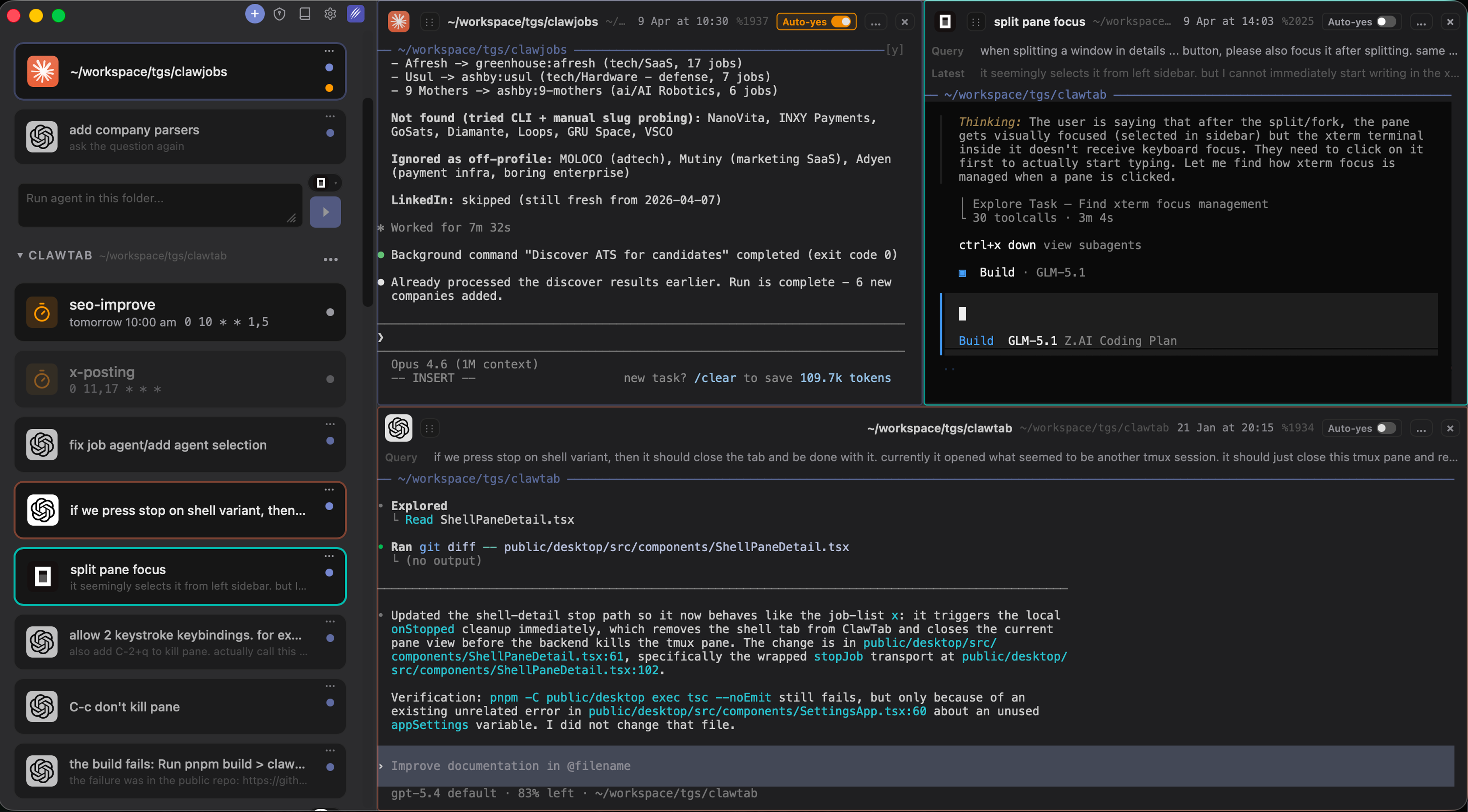
ClawTab is not an IDE and not an agent. It is the control plane for CLI-based agents running on your Mac. Its job is to make the workflow that is otherwise scattered across terminal windows visible: running multiple agents from different providers simultaneously and staying in control of all of them.
Here's what that looks like in practice:
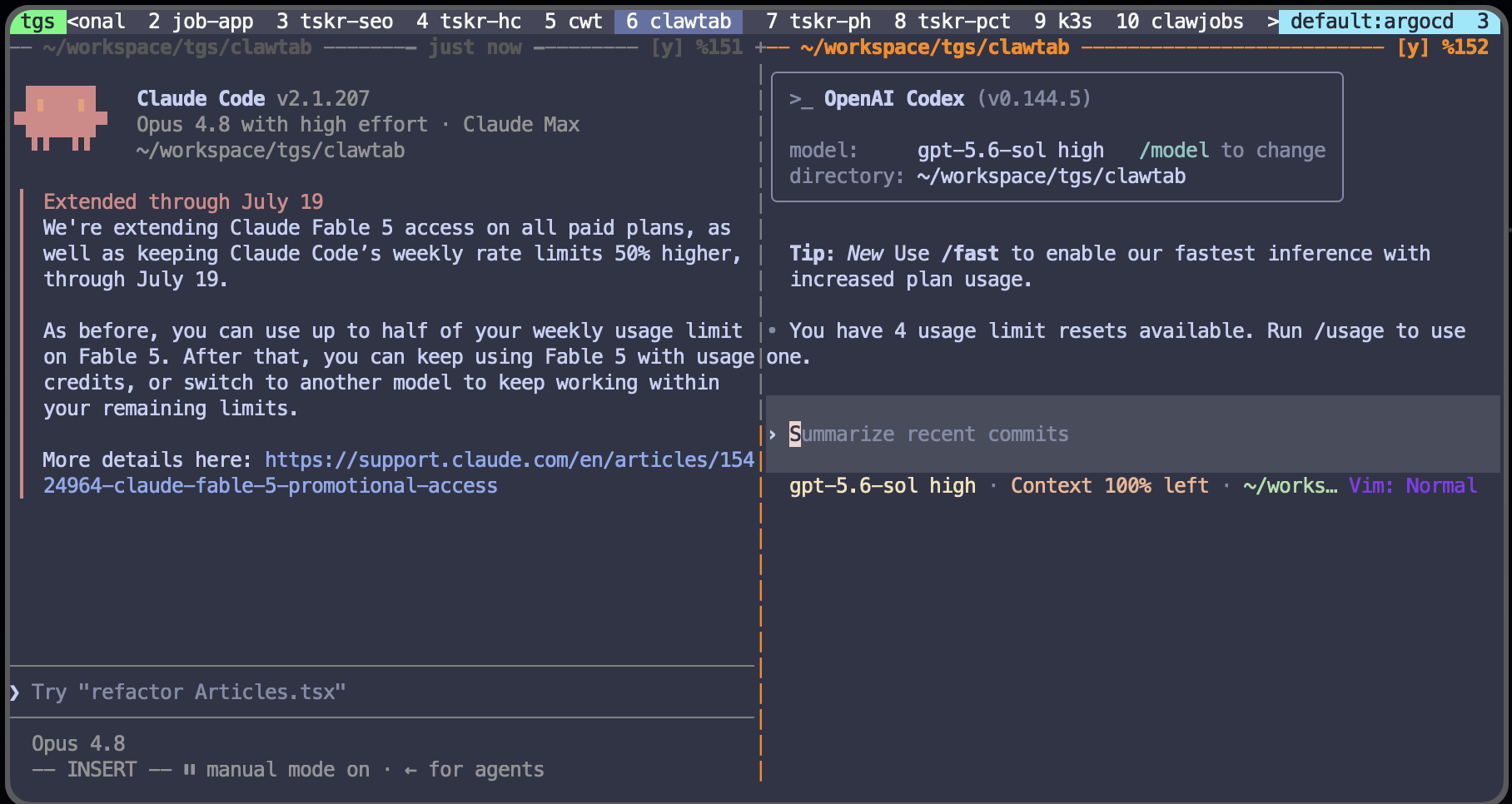
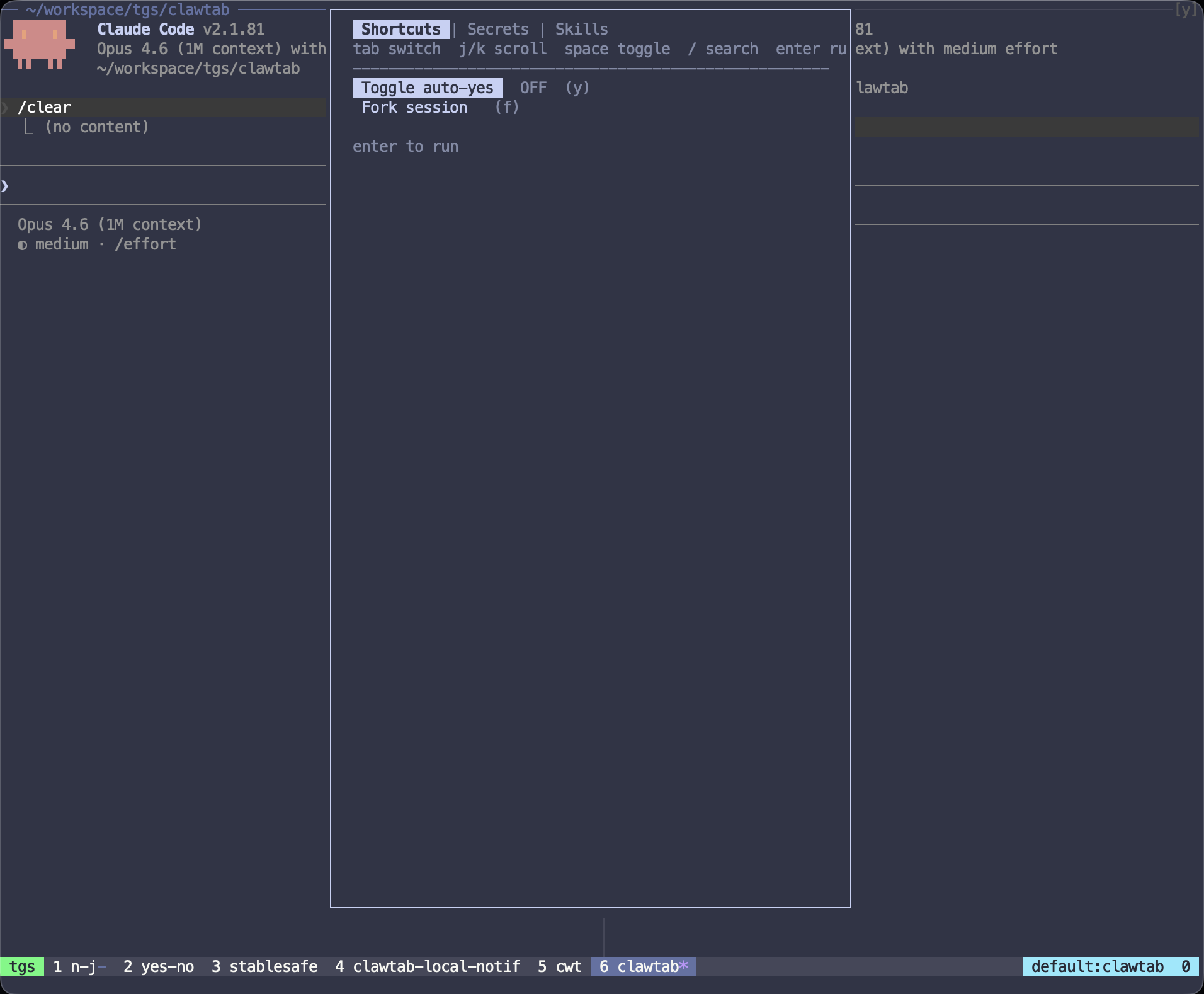
- Split panes. Open Claude Code, Codex, and OpenCode in separate panes side by side. Watch all three work on the same problem and compare approaches. Drag and drop panes to reorganize. Start or stop any agent without leaving the ClawTab interface.
- Provider agnostic. Run Claude Code, Codex, OpenCode, and ordinary shell sessions in one workspace. You're not locked to one provider's availability, approval UX, or model catalog.
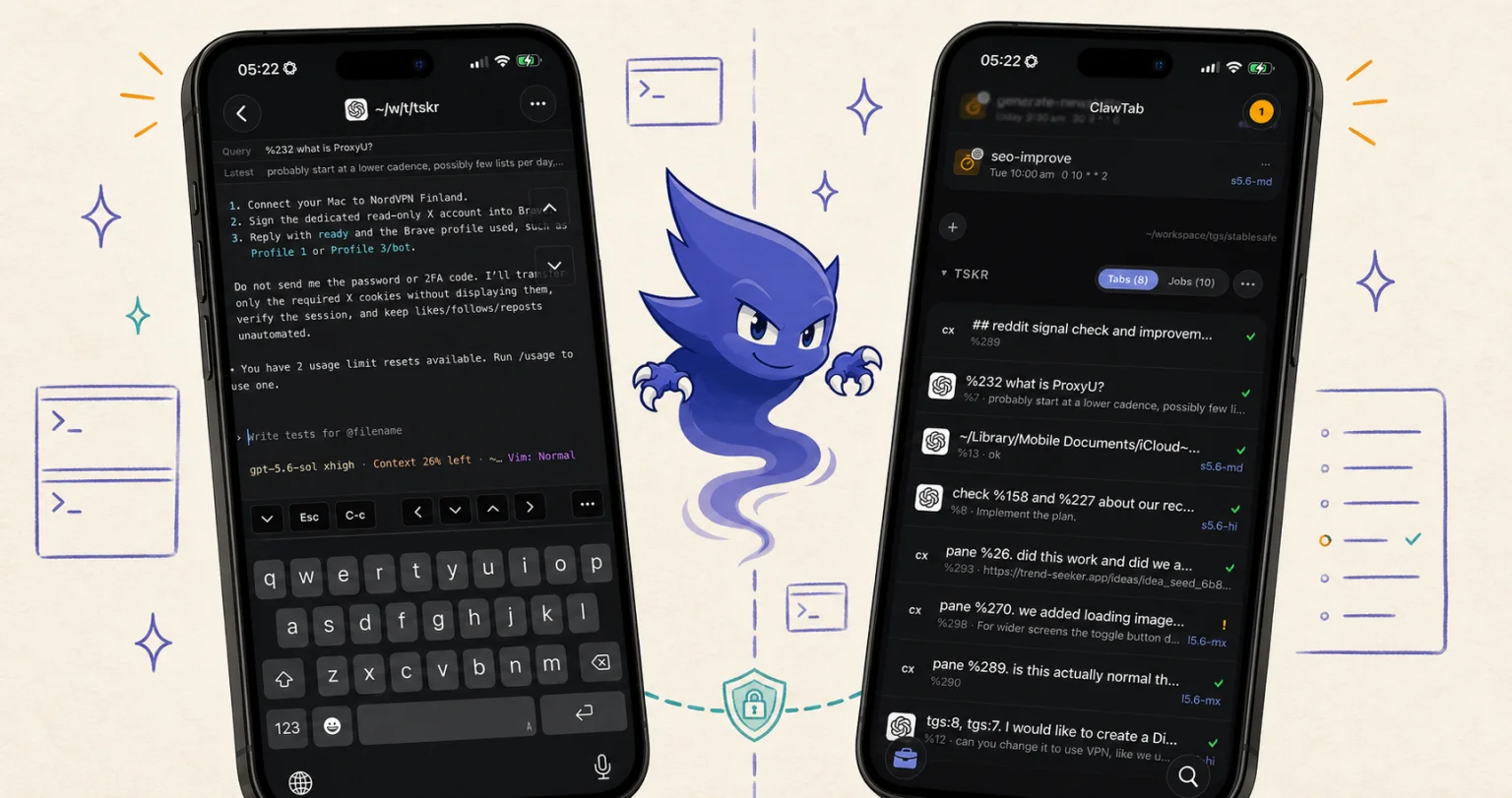
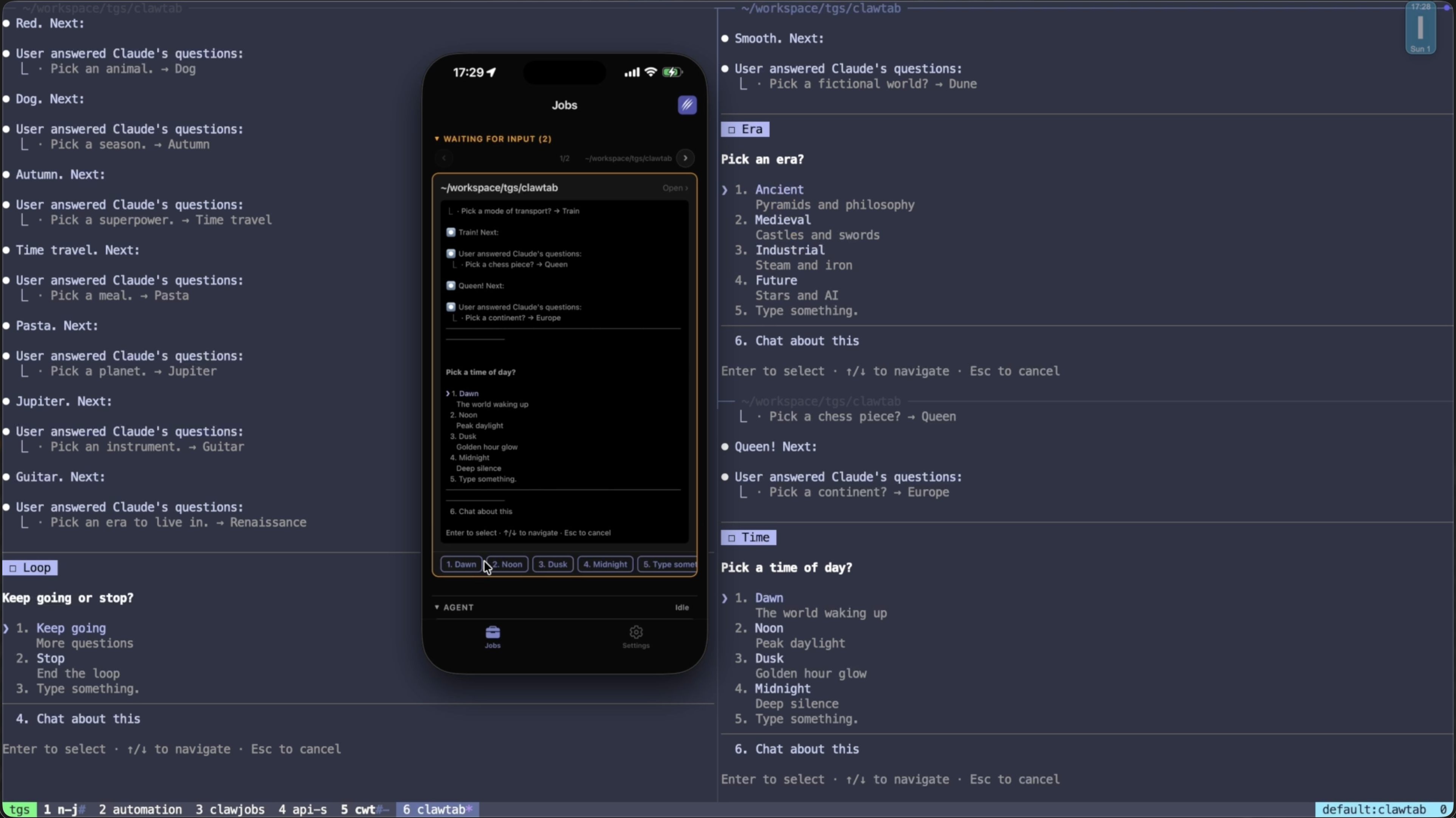
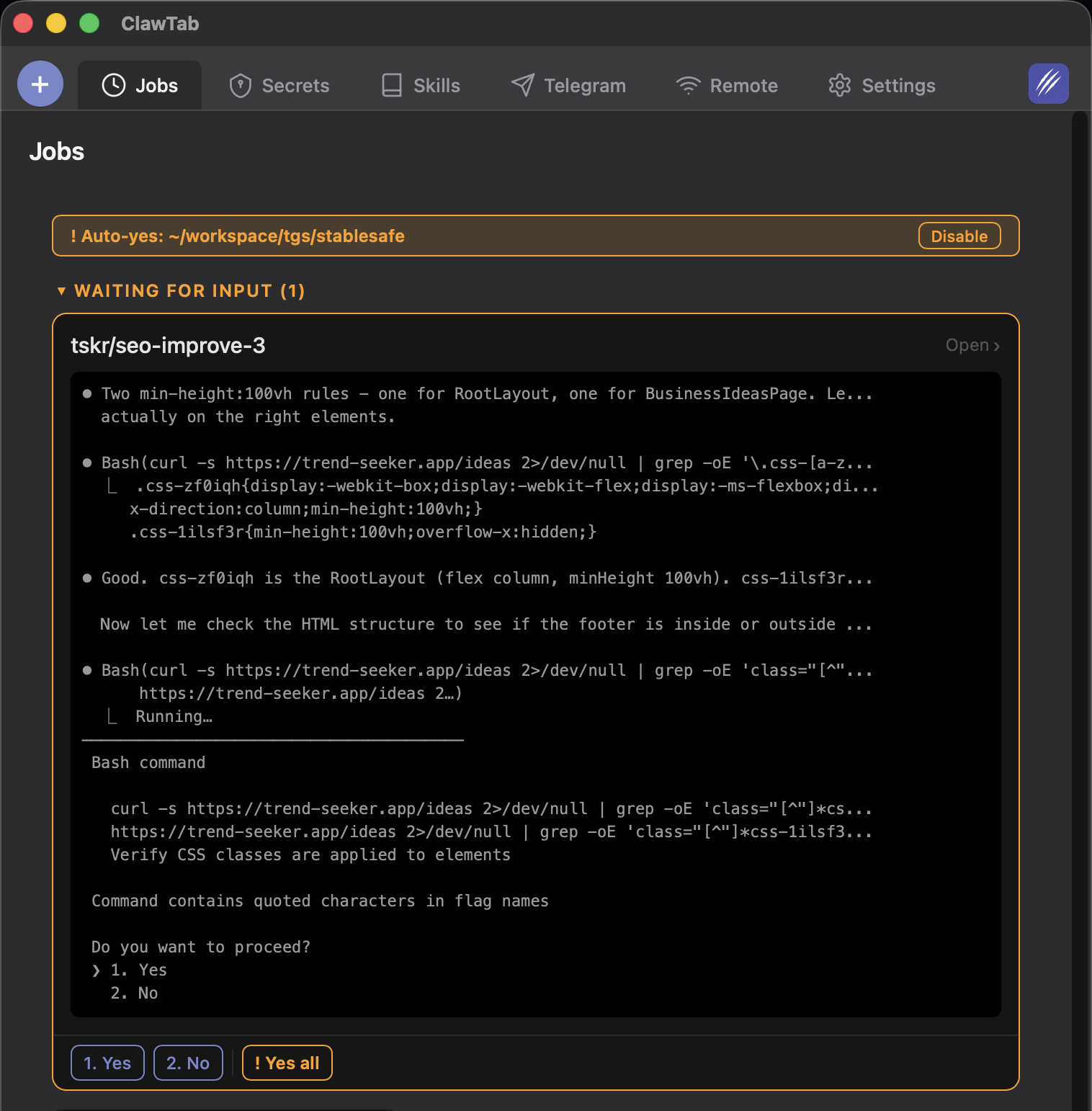
- Mobile access. The iOS app and remote.clawtab.cc give you live agent output on your phone. Answer permission prompts, toggle auto-yes, start and stop jobs from anywhere.
- Cron scheduling. Schedule agents to run at specific times using standard cron expressions. Your overnight refactoring agent doesn't need you at the keyboard — and if it hits a permission prompt, you get a push notification on your phone.
- Agent history. See first query, last query, and session start time for every running agent. Rename and group agents into folders so the task, provider, and pane stay understandable after a long-running session is detached or restored.
ClawTab does not replace the agent's model, editor, or Git workflow. It adds the operational layer: pane state, session persistence, scheduling, notifications, secrets, and remote control. Use it when the missing feature is supervision across several local processes rather than another code editor.
Which Tool Should You Use?
There is no single best AI coding agent IDE because the products solve different problems:
- Use Cursor if you want an editor-first experience with deep project context, visual diffs, and an Agents Window for parallel coding agents.
- Use Windsurf if you want a guided, multi-step agent sequence inside an IDE and value staying close to previews and the editor.
- Use VS Code Copilot if your team is standardized on GitHub and wants an editor agent tied to repository and collaboration workflows.
- Use Claude Code if you prefer the terminal, work across remote machines and containers, and want local execution with hooks and Remote Control.
- Use Codex if you want one OpenAI workflow that spans the CLI, IDE extension, local review, and cloud delegation.
- Use OpenCode if provider choice and open-source control matter more than a fully managed commercial experience.
- Use ClawTab if you're running CLI agents and need to monitor multiple sessions, schedule them, access them from your phone, or work across providers without switching tools.
A strong heavy-use setup often combines a CLI agent (Claude Code, Codex, or OpenCode) with ClawTab for session management and mobile access, plus an IDE (Cursor, VS Code, or the Codex extension) for interactive review. The point is not to force every job through one interface; it is to keep the execution boundary and handoff visible.