Introduction
The most useful comparison between AI coding agents is no longer a model leaderboard. It is a question of where the work runs and which system owns the files, credentials, tools, approvals, and review loop.
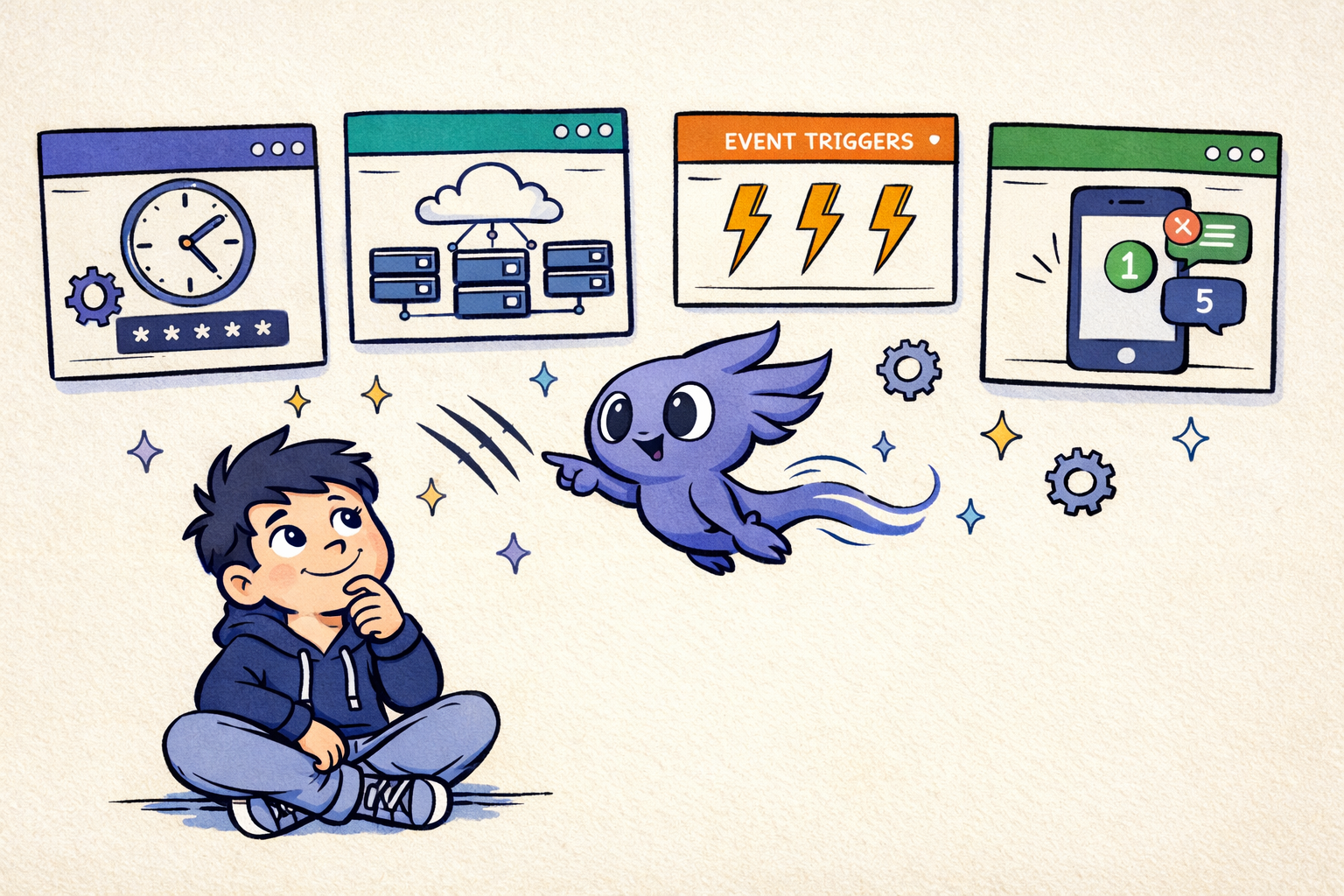
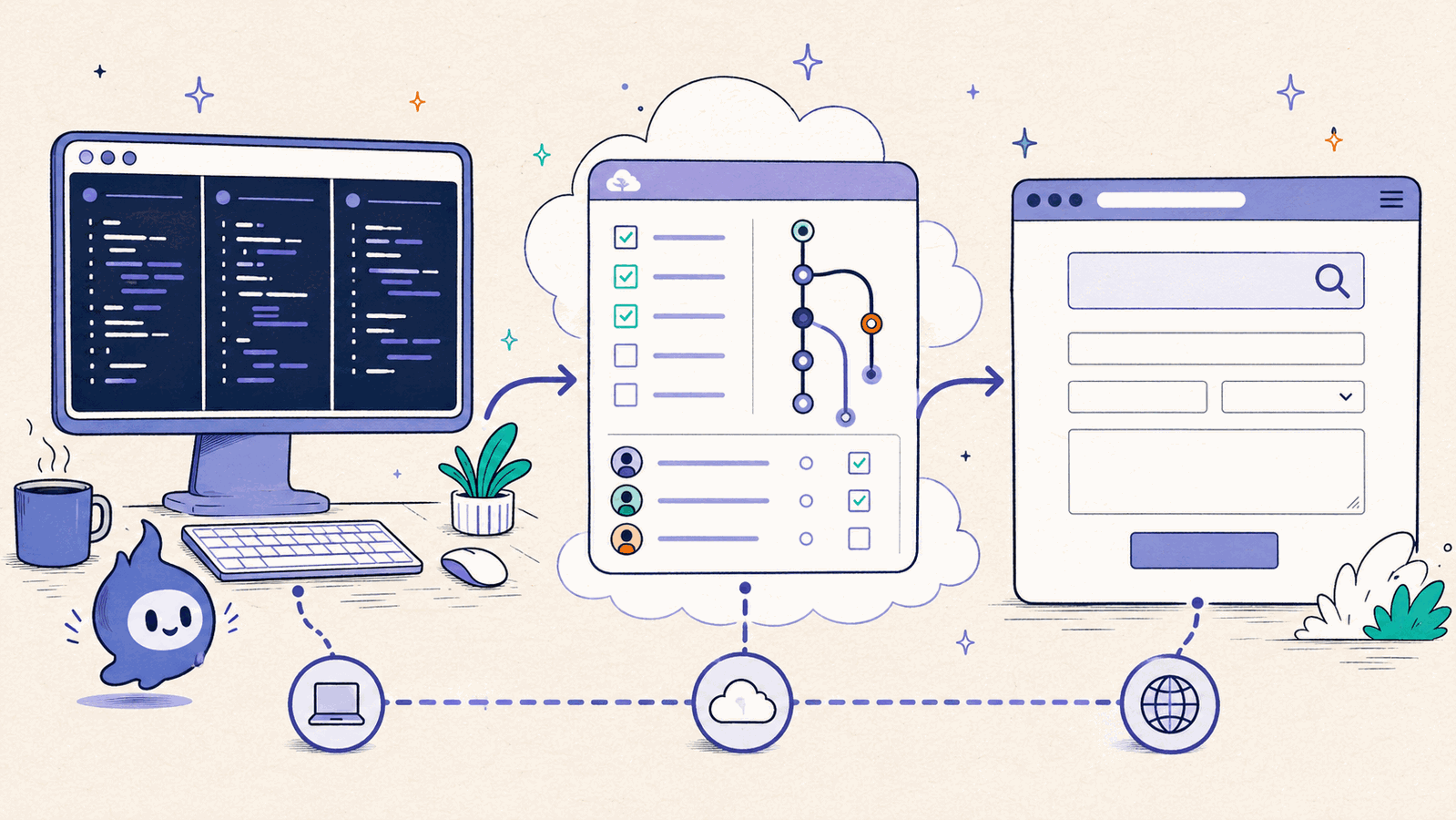
Claude Code works across local terminal, IDE, desktop, and hosted surfaces. Its Remote Control server can now create several local sessions from mobile or the web, optionally isolating them in Git worktrees. Codex spans a local CLI and IDE extension, local worktrees and schedules in the ChatGPT desktop app, and isolated cloud tasks. GitHub's coding agents center the issue-to-pull-request workflow. Browserbase provides cloud browsers, search, fetch, and a scheduled runtime for browser agents.
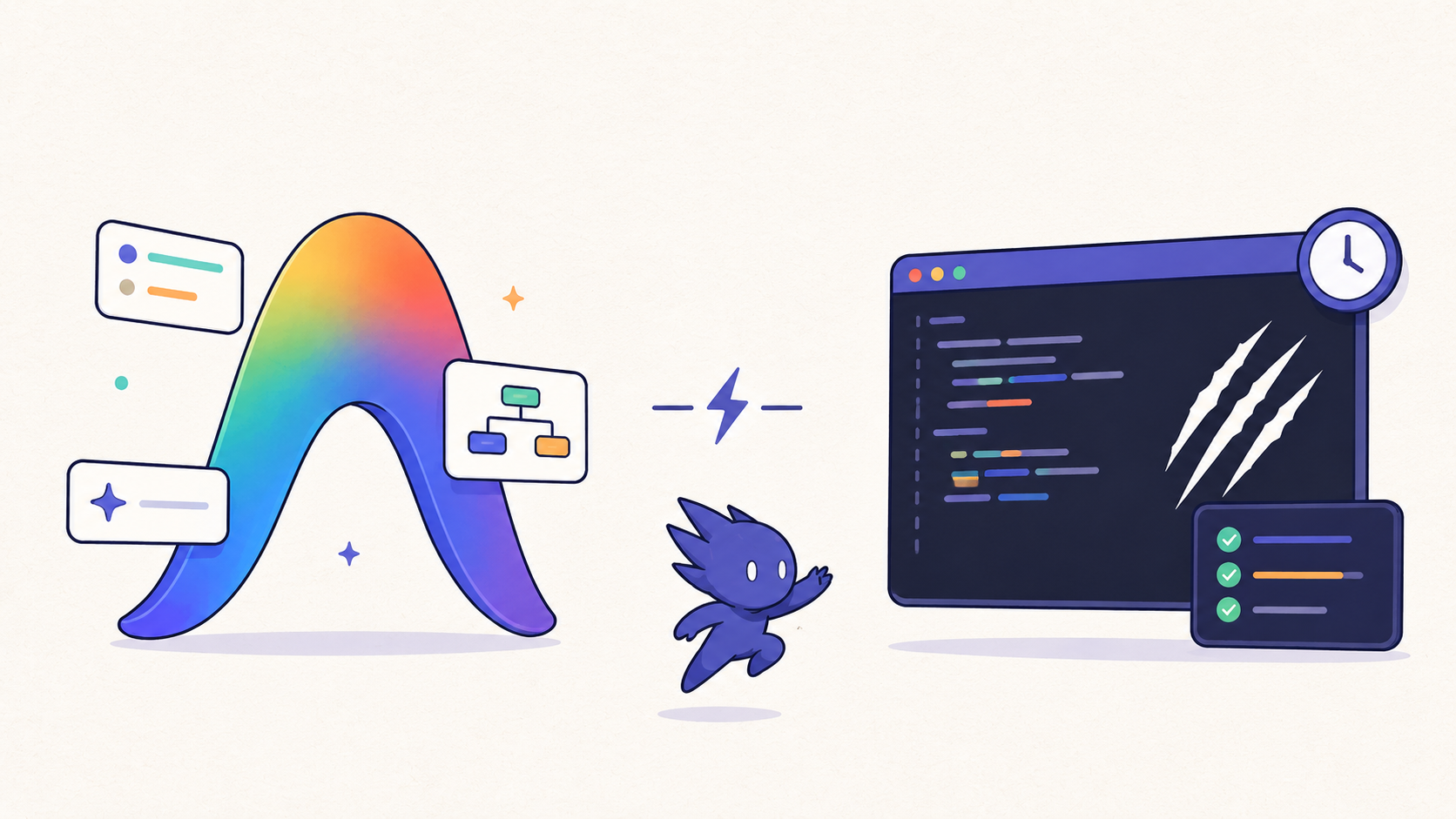
These are related products, but they occupy different layers. This guide maps the boundaries, explains the trade-offs, and shows where ClawTab fits as a local macOS and tmux control plane for Claude Code, Codex, OpenCode, and shell jobs.
The Four Operating Models
Before comparing brands, separate the operating models. A single vendor can offer more than one model, but the execution boundary changes what the agent can see and how you operate it.
| Operating model | Where work runs | Best for | Main trade-off |
|---|---|---|---|
| Local terminal agent | Your workstation, terminal, and local tools | Private files, local state, custom scripts, and interactive control | You own uptime, process management, and machine access |
| Local managed worktree | An app-created checkout on your workstation | Parallel local tasks isolated from your main checkout | The machine and managing app still need to be available |
| Cloud coding agent | An isolated hosted environment | Parallel tasks, clean checkouts, and work that continues while your laptop is offline | Environment setup and local state must be reproduced |
| GitHub-native coding agent | A repository and its issue or pull-request workflow | Async team collaboration, review, and traceable changes | GitHub becomes the primary control surface |
| Browser agent infrastructure | A managed browser session or web runtime | Forms, authenticated websites, search, extraction, and browser testing | Browser interaction is not the same as repository orchestration |
The right choice depends on the task boundary. A browser runtime can be the right tool for a web workflow and the wrong tool for a long-lived local development environment. A cloud coding agent can be ideal for a clean pull request and inconvenient when the task depends on uncommitted files, local services, or a private keychain.
Claude Code: Local Agent With Multiple Surfaces
Claude Code is the clearest example of a terminal-native coding agent that has expanded across surfaces. Anthropic's official overview describes an agent that reads a codebase, edits files, runs commands, and integrates with development tools. The documentation also covers terminal, IDE, desktop, and browser usage, along with Git workflows, MCP, skills, hooks, background agents, and scheduled work.
The important distinction is that Claude Code is not limited to one execution model. A local terminal session can work directly with your checkout, local services, SSH configuration, and scripts. A desktop or web surface can provide a different handoff model. The product name alone does not tell you whether a task is local or remote; the selected surface and workflow do.
Remote Control is still local execution. The browser or Claude mobile app is a window into a process on your machine. Server mode can spawn several sessions with --capacity; --spawn worktree gives each on-demand session its own Git worktree, while the default same-dir mode can create file conflicts. Remote Control requires the local process to keep running and stores the synchronized transcript on Anthropic's servers.
- Choose local Claude Code when the agent needs your current checkout, local test services, custom shell tools, or credentials that should remain on the Mac.
- Choose a hosted Claude Code workflow when the task can start from a clean repository and you value background execution away from the workstation.
- Use Remote Control server mode when all remote sessions are Claude Code and Anthropic's web or mobile client is the preferred control surface.
- Add a local control layer when several providers need persistent panes, cron, prompt handling, mobile visibility, or provider-level session restore.
That last requirement is the gap ClawTab targets. It does not redefine Claude Code's agent loop; it manages the local processes around it.
Codex: Local CLI, Desktop Worktrees, Schedules, and Cloud
Codex cloud runs coding tasks in isolated hosted environments. It is a strong fit for parallel work that starts from reproducible repository state and returns a diff or pull request. But cloud is only one Codex execution boundary.
The Codex CLI and IDE extension operate against a local workspace. The ChatGPT desktop app adds managed Git worktrees for independent local chats and Handoff between a background worktree and the main checkout. Scheduled tasks can run in a local project or a new worktree. Local schedules require the computer to stay on, the project to remain on disk, and the desktop app to keep running. Web schedules use uploaded or connected context and cannot directly work in a folder on your computer.
This model changes the default question from "is my terminal still open?" to "is the task's environment reproducible?" Cloud execution is a strong fit when each task can begin from a repository checkout, install its dependencies, run its tests, and report a reviewable change without relying on uncommitted local state.
| Codex cloud is a strong fit when... | Local execution is usually better when... |
|---|---|
| You want several clean attempts in parallel. | The task depends on an existing local checkout or long-lived service. |
| You are away from the laptop and want work to continue. | The agent needs a local Keychain secret, SSH agent, or private development tool. |
| The expected output is a diff or pull request. | You need to inspect or steer a live terminal process repeatedly. |
| Repository setup is documented and deterministic. | Environment setup is expensive, stateful, or unique to one workstation. |
Cloud and local are complementary. Use Codex cloud when the laptop should not be part of the runtime. Use desktop worktrees when you want local isolation with an app-managed review loop. Use the CLI in tmux when the live terminal, exact pane, or multi-provider workspace is the operational source of truth.
GitHub-Native Coding Agents: Issue to Pull Request
GitHub's third-party coding agent documentation describes an asynchronous workflow: assign an issue or provide a prompt, let an agent make changes, review the resulting pull request, and continue the conversation through pull-request comments. The public preview supports Anthropic Claude and OpenAI Codex alongside Copilot cloud agent.
Tasks can start from GitHub's Agents tab, an issue, a pull-request mention, GitHub Mobile, or VS Code. GitHub says generated changes pass through CodeQL, secret scanning, and dependency checks before the pull request is finalized. Agent sessions consume AI credits and GitHub Actions minutes, so the repository workflow also becomes the billing and policy boundary.
This is a different optimization target from a local terminal. The repository, issue, pull request, review, and security checks form one traceable workstream. That is valuable for teams that want every agent task to have an explicit owner, a diff, and a review record.
- Best fit: well-scoped repository tasks, maintenance issues, test fixes, documentation changes, and review-driven team workflows.
- Less ideal: tasks that depend on a private local service, a half-finished working tree, an interactive terminal session, or a workstation-only credential.
- Operational advantage: the pull request becomes the handoff point, so humans can review, request changes, and apply normal repository protections.
GitHub-native agents can coexist with local agents. The boundary is useful: send clean, reviewable repository work to GitHub, and keep stateful or interactive work in a local terminal environment.
Browserbase: Browser Agent Infrastructure
Browserbase describes infrastructure for agents that browse and interact with websites. Its platform combines cloud browsers with web search, page fetching, a sandbox runtime, and the controls needed to create, observe, and manage browser sessions.
That makes Browserbase relevant to queries such as AI agent browser, browser automation, authenticated web workflows, and web data extraction. It is not a direct substitute for a coding-agent manager. A browser agent can fill a form, inspect a page, or verify a deployed interface; it does not automatically provide the local tmux, repository, process, and session controls needed to operate several coding agents.
Think of browser infrastructure as a capability that can be attached to an agent workflow. A coding agent may use a browser to test a frontend. A local ClawTab job may trigger a browser workflow on the Mac. Browserbase's runtime can deploy browser agents on demand or on a schedule, while its Browser API exposes sessions through Playwright, Puppeteer, Selenium, or CDP. The choice follows the web interaction requirement, not the coding-agent brand.
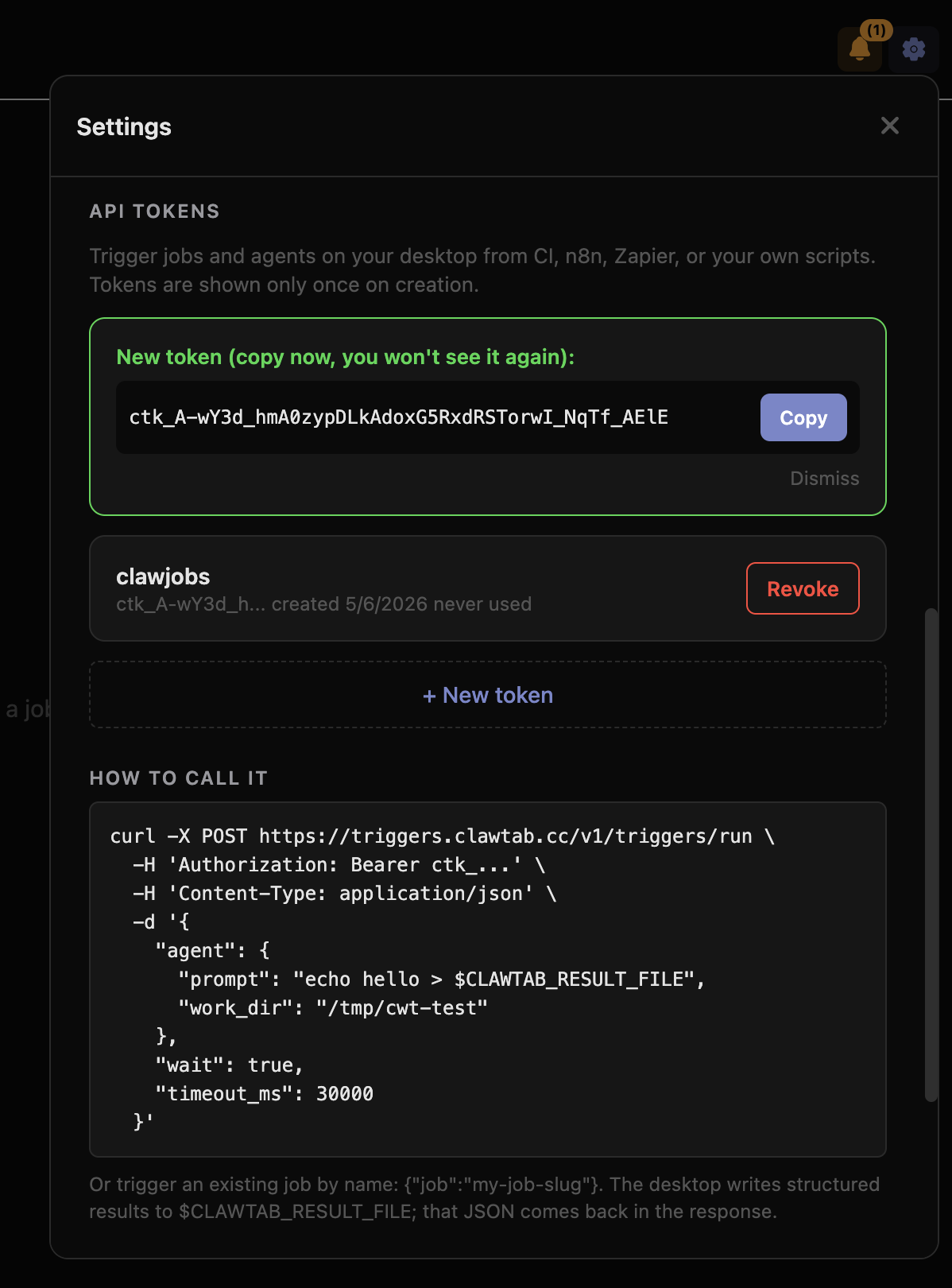
ClawTab's browser triggers guide covers the complementary local approach: invoking a browser on your Mac through an API while retaining its real cookies and session. That is useful when local browser state is part of the job.
Where ClawTab Fits: The Local Agent Control Plane
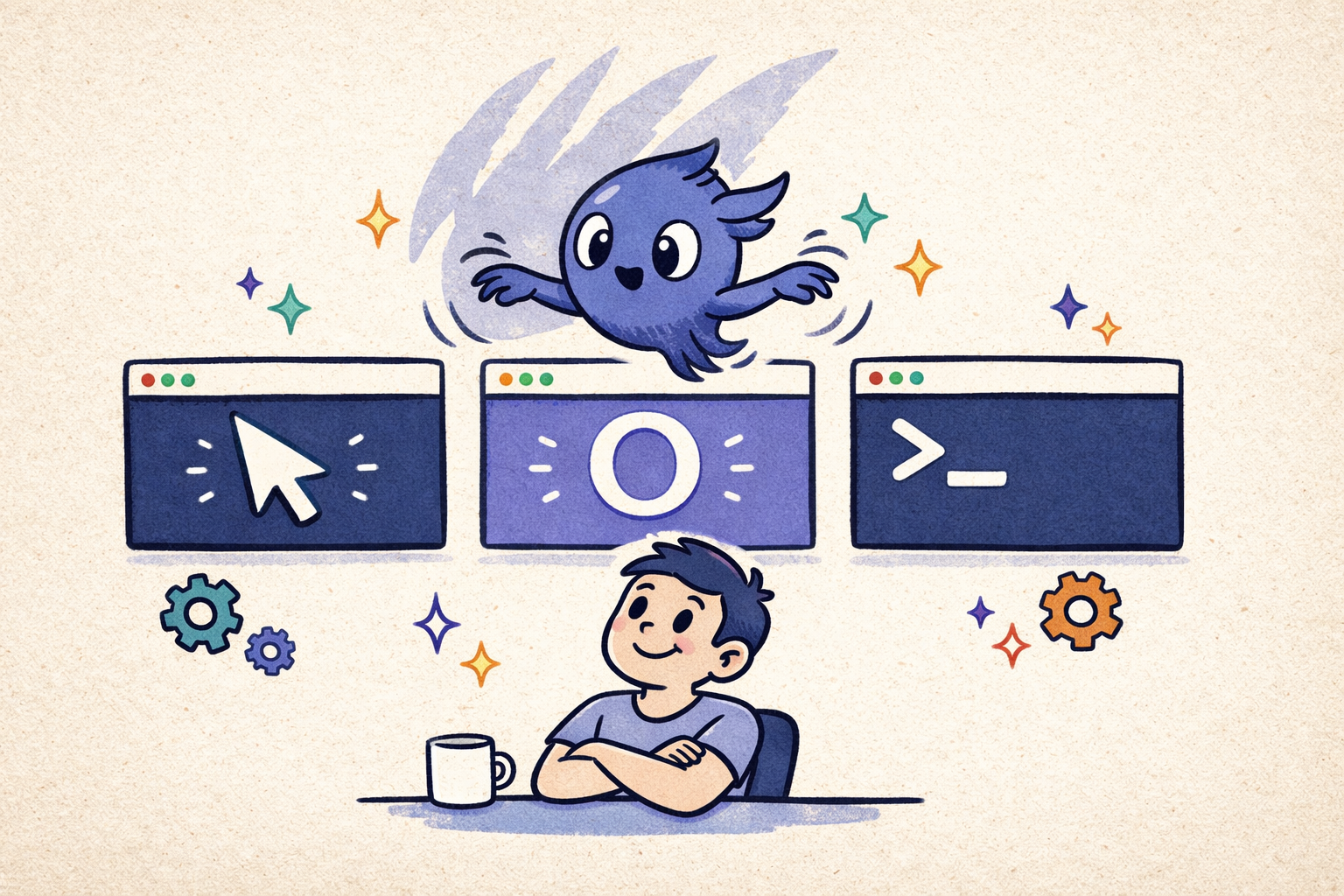
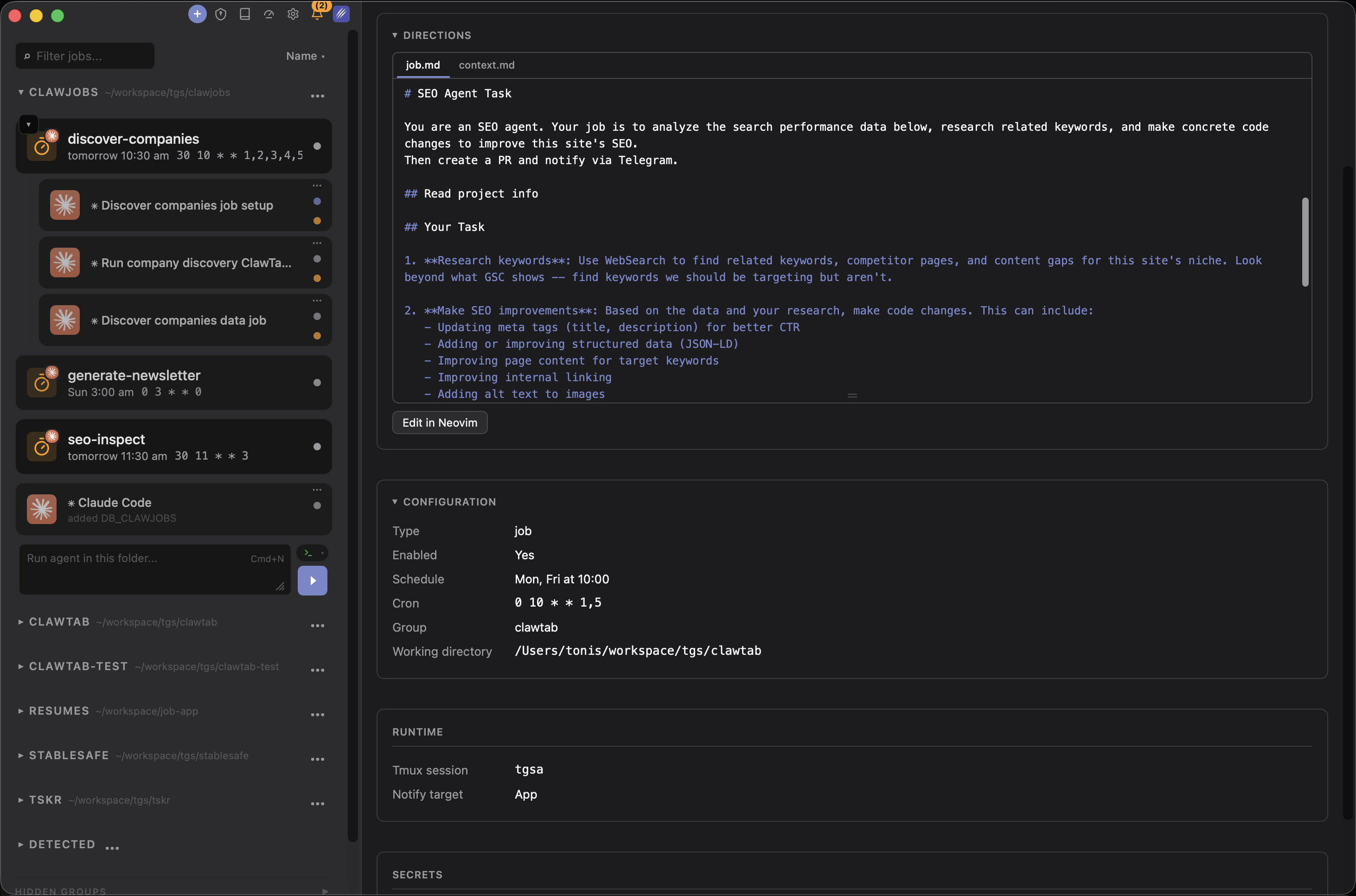
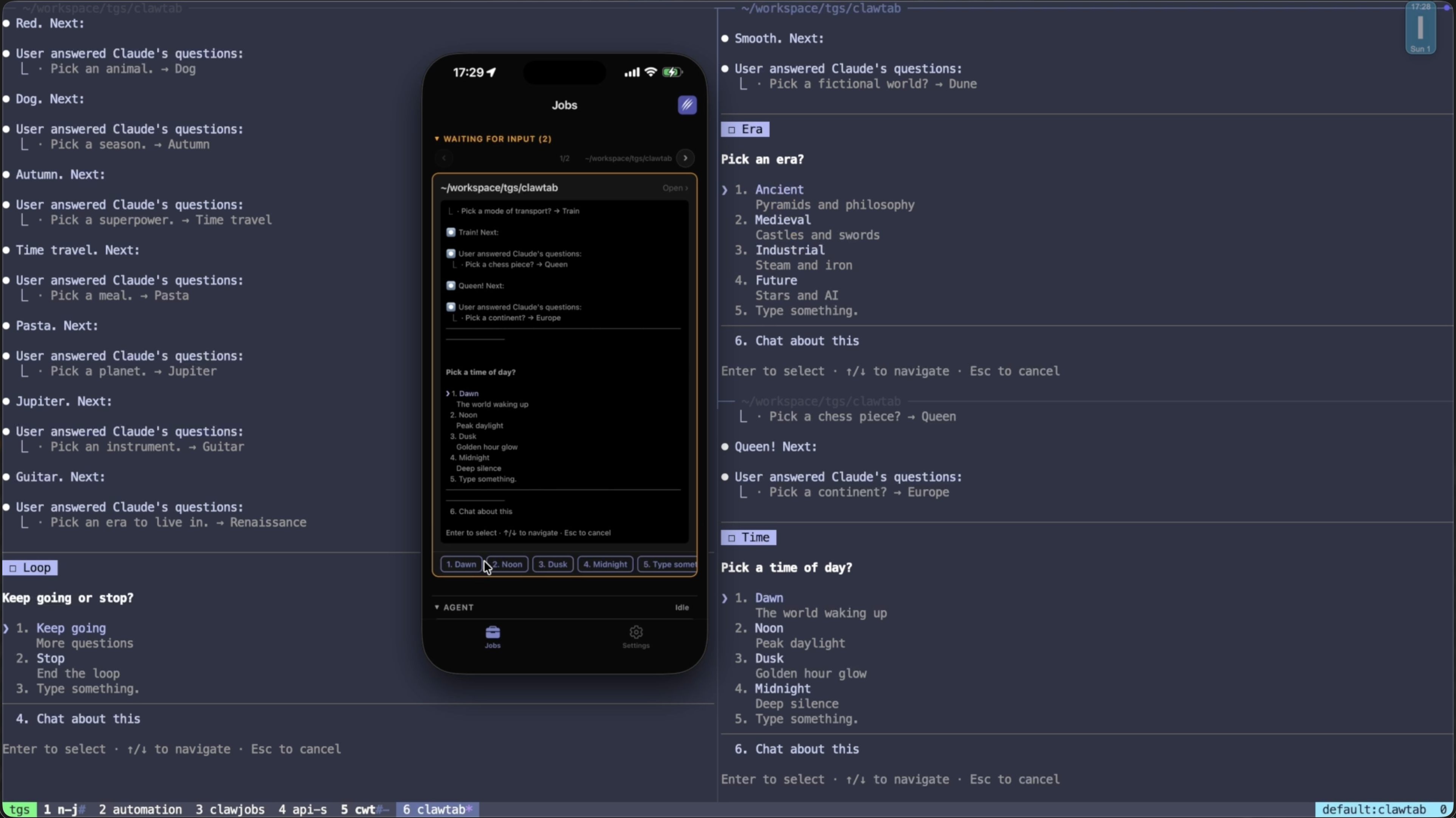
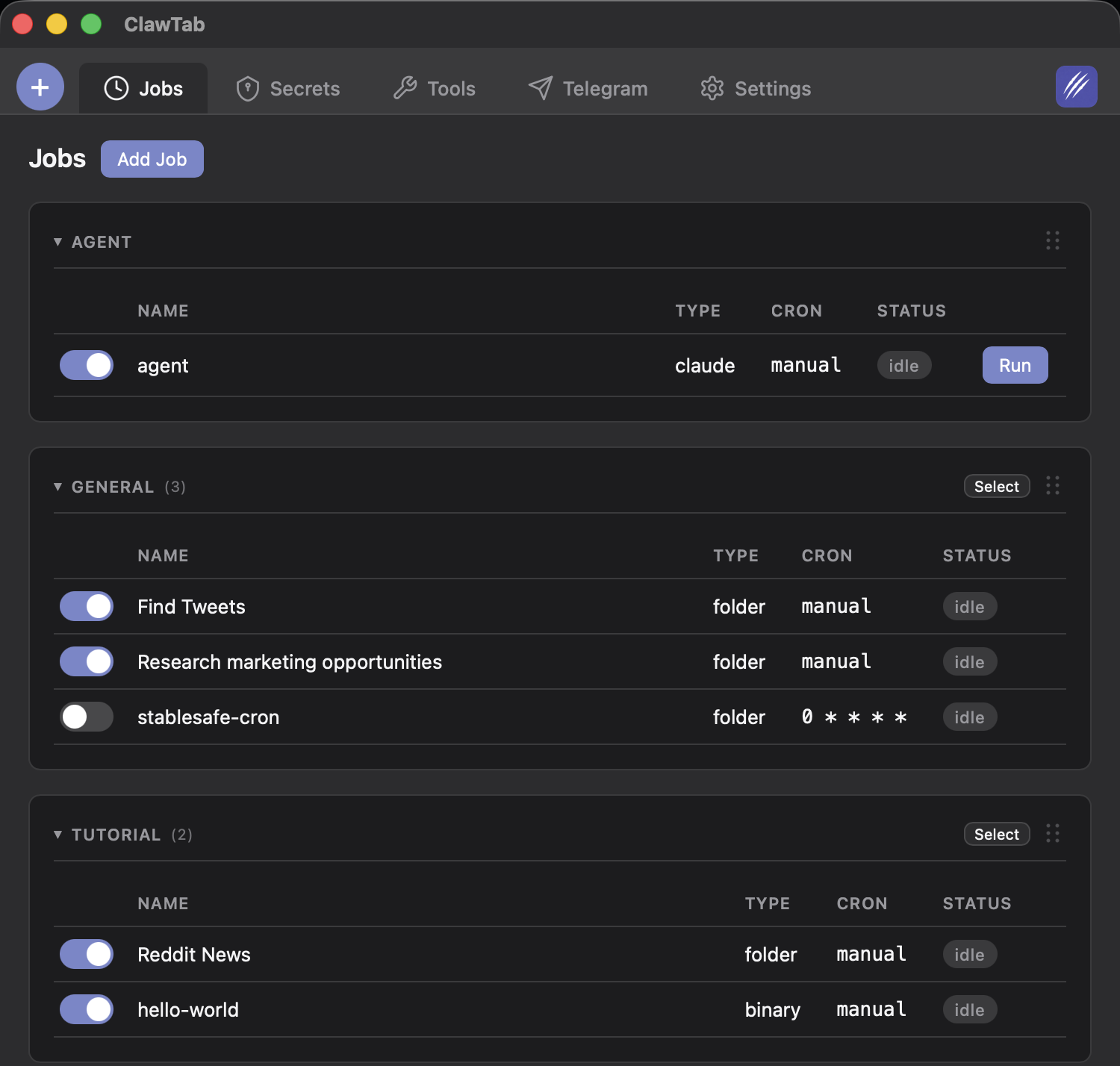
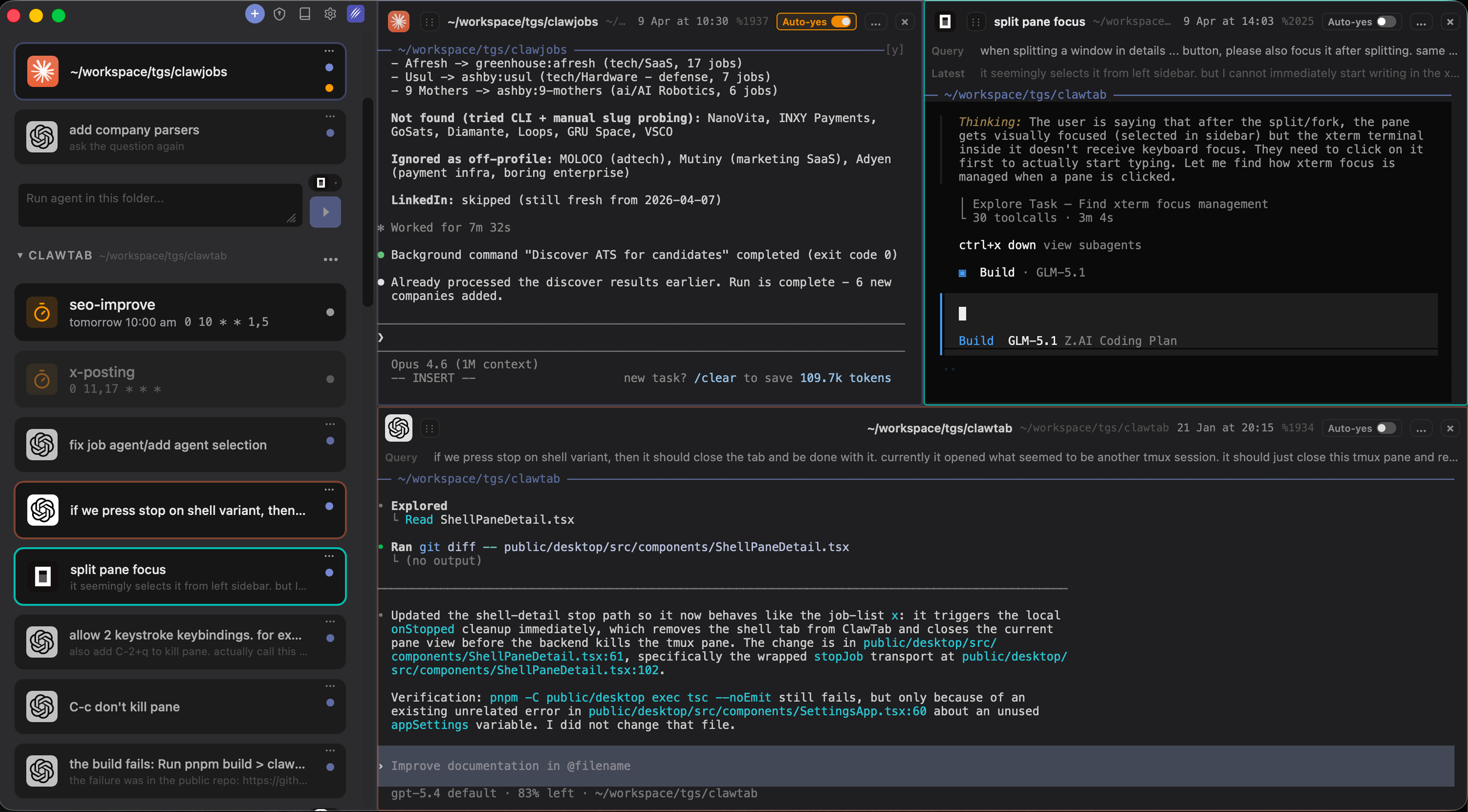
ClawTab sits below the model and beside the repository workflow. It is a local macOS control plane for running Claude Code, Codex, OpenCode, and shell processes in tmux-backed panes. The goal is not to claim cloud execution or browser infrastructure. The goal is to make local agents persistent, visible, and operable.
- Persistent processes: agents run in real tmux sessions that survive terminal disconnects and can be restored.
- Multi-provider operation: Claude Code, Codex, OpenCode, and ordinary shell commands can run side by side.
- Background scheduling: cron jobs can start local work on a schedule and keep local state available.
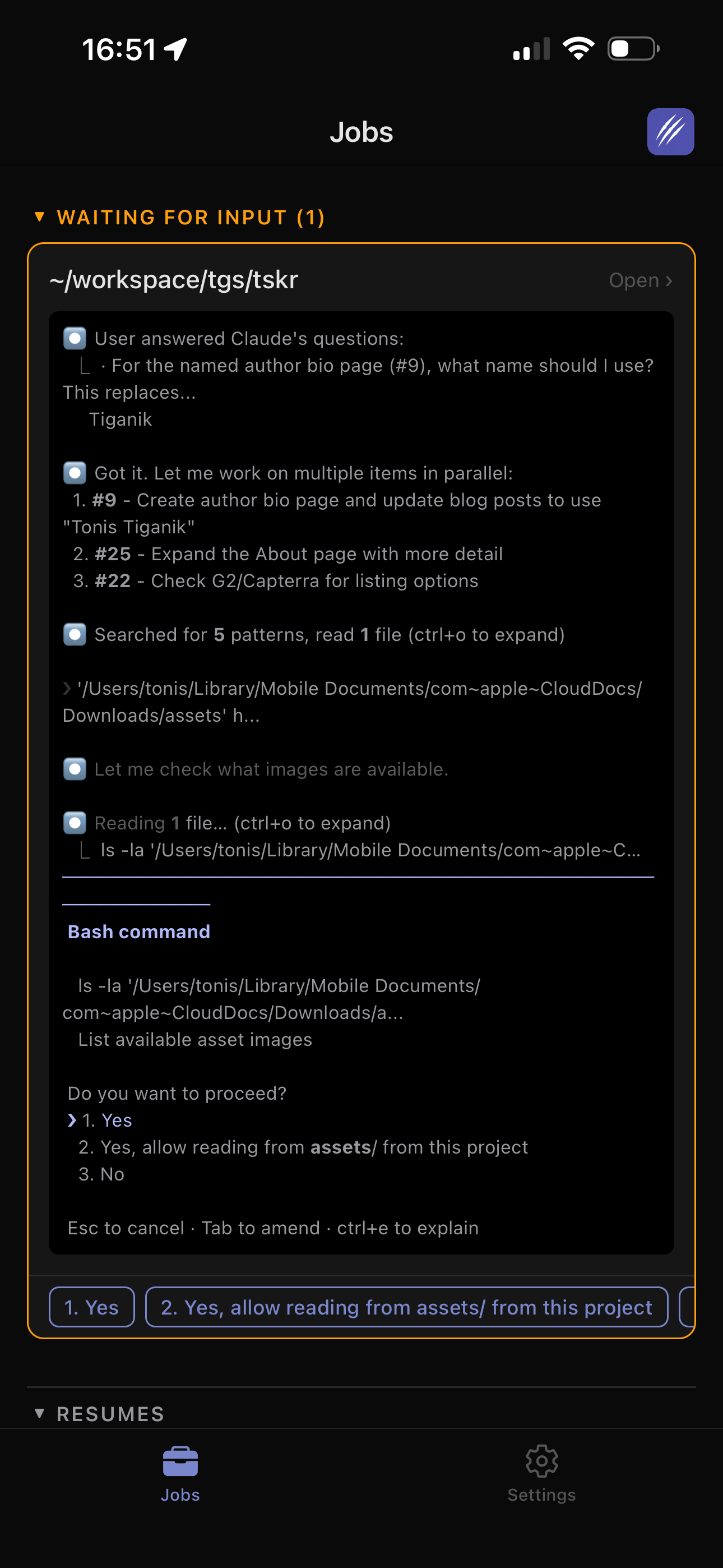
- Permission control: per-pane auto-yes can be enabled narrowly, while other panes continue to ask for approval.
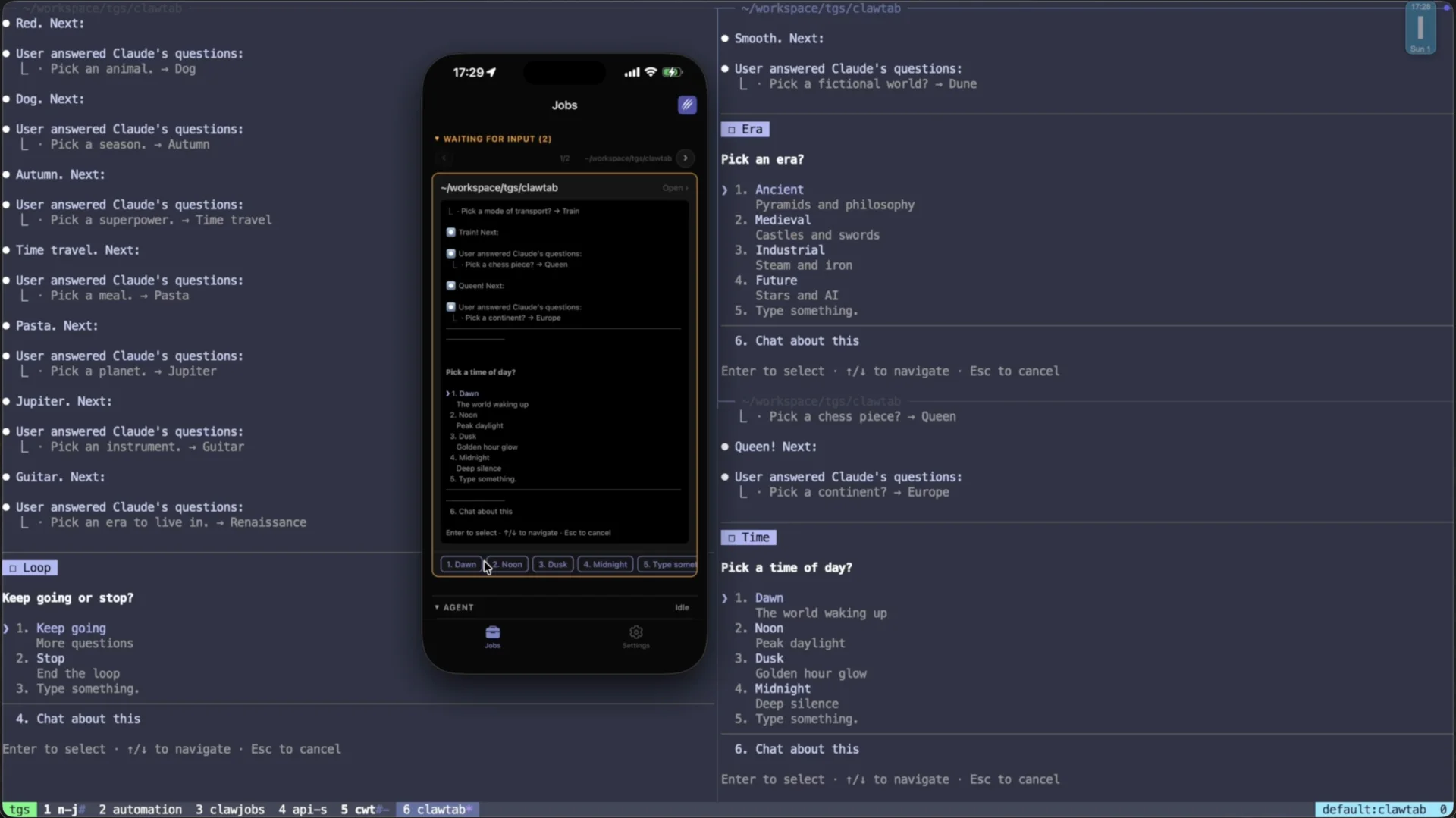
- Remote operations: mobile and browser control lets you inspect output and answer prompts without moving the process to a cloud clone.
This makes ClawTab complementary to the other models. Use a cloud coding agent for a clean, parallel pull request. Use GitHub for review and team coordination. Use browser infrastructure for managed web interaction. Use ClawTab when the source of truth is a local Mac, a persistent tmux graph, a private toolchain, or a set of terminal agents that should keep running together.
Local Does Not Mean Stuck at the Desk
Remote access and cloud execution are often treated as synonyms. They are not. A remote client can control a local process while the code, tools, and terminal stay on your Mac.
| Remote workflow | Execution stays local? | What the phone controls |
|---|---|---|
| Claude Code Remote Control | Yes | Claude sessions exposed through claude.ai/code or the Claude mobile app |
| Codex mobile Remote tab | Yes | Supported Codex desktop chats, output, diffs, tests, and approvals |
| ClawTab Remote | Yes | Claude Code, Codex, OpenCode, and shell panes in the tmux workspace |
| Codex cloud or GitHub agent | No | A hosted task, diff, or pull request |
Local remote control keeps access to workstation-only services and files, but it does not remove the uptime requirement. If the Mac sleeps, loses connectivity for too long, or stops the agent process, remote steering stops. Use cloud execution when independence from the workstation matters more than its exact state.
Choosing the Execution Boundary
Use the requirement, not the product name, as the first filter.
| Requirement | Good starting point | Reason |
|---|---|---|
| Current files, local services, SSH, or private tools | Local Claude Code, Codex, or OpenCode with ClawTab | The agent can see the state that already exists on the workstation. |
| Several local attempts with workstation access | Codex desktop worktrees or manual Git worktrees | Each task gets a separate checkout while execution stays on the machine. |
| Several clean attempts independent of the laptop | Codex cloud or another cloud coding agent | Hosted isolated environments make parallel comparison and cleanup easier. |
| Issue to pull request with team review | GitHub-native coding agent | The task, diff, review, and security checks stay in one system. |
| Forms, web search, page extraction, or browser testing | Browserbase or a local browser trigger | The primary capability is browser interaction, not repository orchestration. |
| Long-running local jobs across providers | ClawTab | tmux, cron, mobile control, and provider session restore share one local layer. |
| Claude-only local sessions from mobile | Claude Remote Control server mode | One host process can expose several sessions with optional worktree spawning. |
| Unattended mixed-provider work that needs approval later | ClawTab with remote access | The process stays local while prompts and status remain reachable. |
A useful rule is to keep the agent close to the state it must understand. Put clean repository work in a reproducible cloud environment. Put private, stateful, interactive work on the Mac. Put web interaction in a browser runtime. Put review and accountability in GitHub.
A Practical Hybrid Workflow
Most teams do not need one universal agent runtime. They need a reliable handoff between runtimes.
- Start with the task boundary. Decide whether the task needs local state, a clean checkout, a browser session, or a review-first workflow.
- Pick local or hosted isolation. Use Codex desktop worktrees when a parallel task still needs workstation state. Use Codex cloud or a GitHub-native agent when the laptop should be out of the loop and the expected result is a clean diff or pull request.
- Keep stateful multi-provider work local. Use ClawTab to keep Claude Code, Codex, OpenCode, test watchers, and shell jobs running in tmux panes.
- Attach the browser where it belongs. Use Browserbase for managed cloud browsing or local browser triggers when real local cookies and sessions are required.
- Bring every change back to review. Whether the agent ran on a Mac or in the cloud, inspect the diff, run the relevant checks, and use the repository's normal pull-request process.
This hybrid model avoids forcing browser automation to act like a coding agent or forcing a local terminal process to behave like a cloud queue. Each layer has a clear responsibility.
Conclusion
Local and cloud AI coding agents are not interchangeable deployment labels. They are different operating models with different ownership of state, credentials, uptime, review, and browser access.
Use Claude Code or Codex locally when the workstation is part of the context. Add worktrees when local tasks need isolation. Use Codex cloud for hosted parallel coding tasks that can be reviewed as diffs. Use GitHub-native agents when the issue-to-pull-request loop is the product. Use Browserbase or a local browser trigger when the hard part is interacting with the web.
Use ClawTab when those local terminal agents need an operational home: persistent tmux panes, multi-provider sessions, cron scheduling, narrow permission controls, session restore, and remote monitoring. It is a local control plane, not a claim that every agent should run in the cloud or that browser infrastructure is a coding-agent manager.